





Let’s talk storage. We’ve all been there: staring at an agonizingly slow loading screen, questioning our life choices, or crawling around on the floor with a smartphone flashlight looking for that microscopic M.2 motherboard screw you just dropped.
But once that tiny screw is safely secured and the drive is slotted in, you want one thing: blistering speed. You want a high performance SSD that actually delivers on its marketing promises, not just a fancy sticker slapped onto mediocre hardware.
The SSD market in 2026 is a minefield of confusing naming conventions, hyped-up Gen 5 buzzwords, and hidden cache limitations that manufacturers pray you won’t notice. Whether you’re building a brand new custom rig or just trying to cut down those massive game load times, you need to know exactly where to put your money.
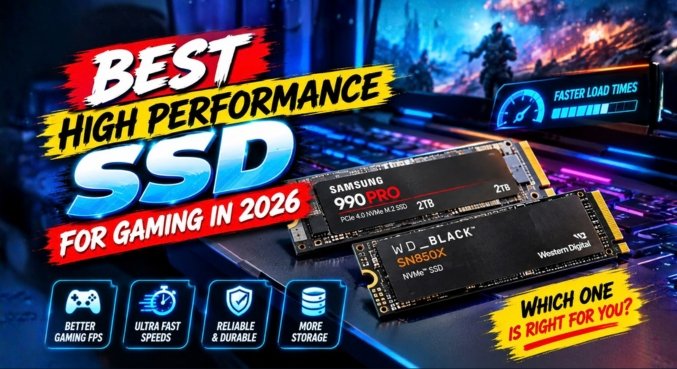
Let’s cut through the jargon. I’ve ranked five of the most talked-about SSDs this year to help you find the absolute best drive for your gaming PC—without overpaying for a brand name.
The Verdict: Good budget option, but check the endurance rating.
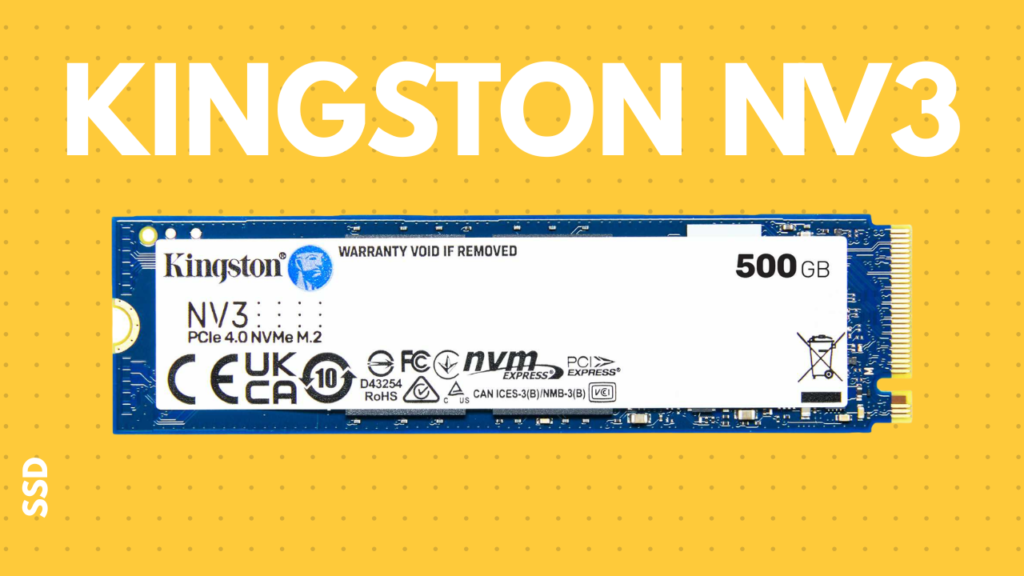
The Kingston NV3 isn’t a bad drive by any stretch, but you have to look closely at the spec sheet—specifically the TBW (Terabytes Written) rating. The 1TB model comes with an endurance rating of 320 TBW. Essentially, that means you can write and rewrite the entire capacity of the drive 320 times over its lifespan.
That sounds like a lot, but here is the reality check: for just about $19 more, you can upgrade to the WD Black SN7100, which boasts a 600 TBW rating. That is almost double the endurance for the price of a decent lunch.
Pro Tip: If you are someone who constantly uninstalls and reinstall massive 150GB game files, or you regularly move heavy 4K video projects, spending that extra twenty bucks for a higher endurance high performance SSD is absolutely worth it.
The Verdict: A frustrating experience disguised as a fast drive.
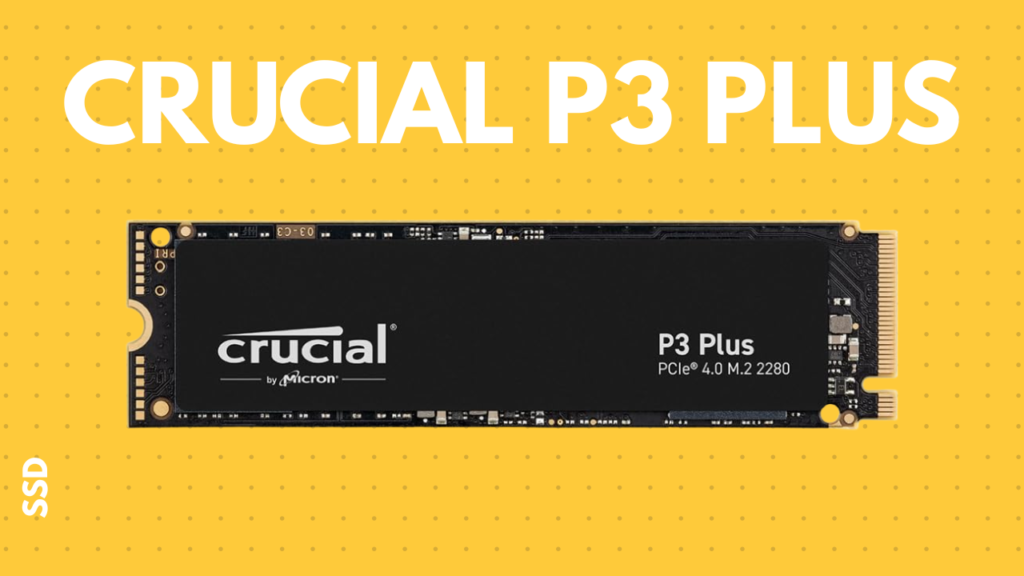
On paper, the Crucial P3 Plus looks tempting. In reality? It’s a lesson in frustration.
This drive suffers from a massive SLC cache limitation. When you are transferring everyday small files, it feels lightning fast. But the moment you try to copy a massive folder—like backing up your Steam library—the cache fills up. When that happens, your transfer speed instantly falls off a cliff, dropping down to ancient mechanical hard drive speeds.
To add insult to injury, it currently retails for around $18 more than the WD Black SN7100. We upgrade to a high performance SSD because we value our time, not because we want to learn the art of Zen patience while watching a progress bar crawl. Hard pass on this one.
The Verdict: Don’t fall for the Gen 5 marketing trap.
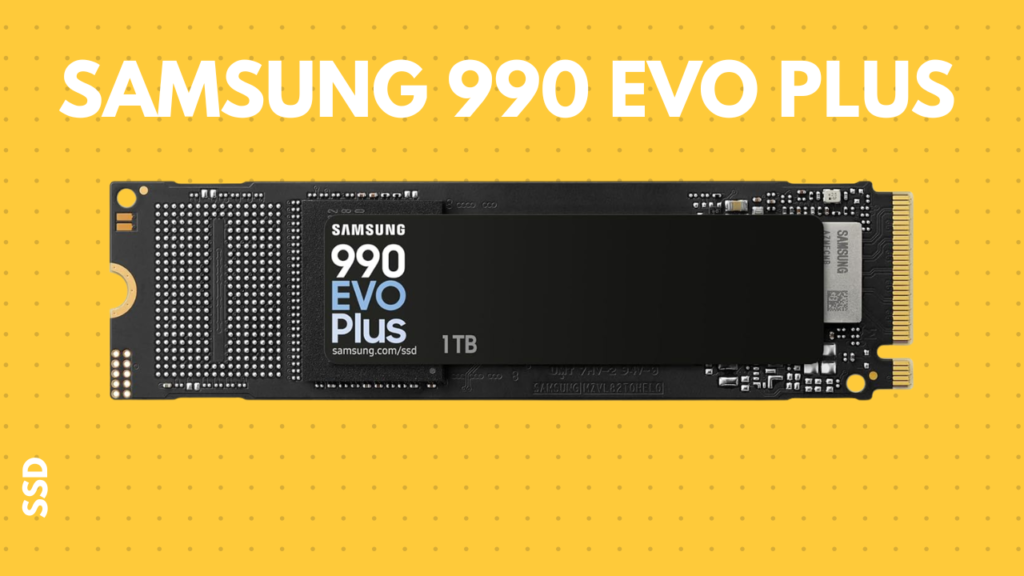
The Samsung 990 EVO Plus is currently catching a lot of buyers in a very specific trap: the PCIe Gen 5 label. Yes, this drive slots neatly into a Gen 5 motherboard. No, it does not magically double your gaming speeds just because it has a newer interface.
It is essentially riding the hype train, yet it will cost you roughly $72 more than our top-rated Gen 4 alternative. Hardware shopkeepers absolutely love customers who just glance at the box, see “Gen 5,” and throw down their credit card. Don’t be that customer. You are paying a massive premium for a spec that doesn’t translate to real-world gaming performance.
The Verdict: An absolute beast, but totally unnecessary for most gamers.
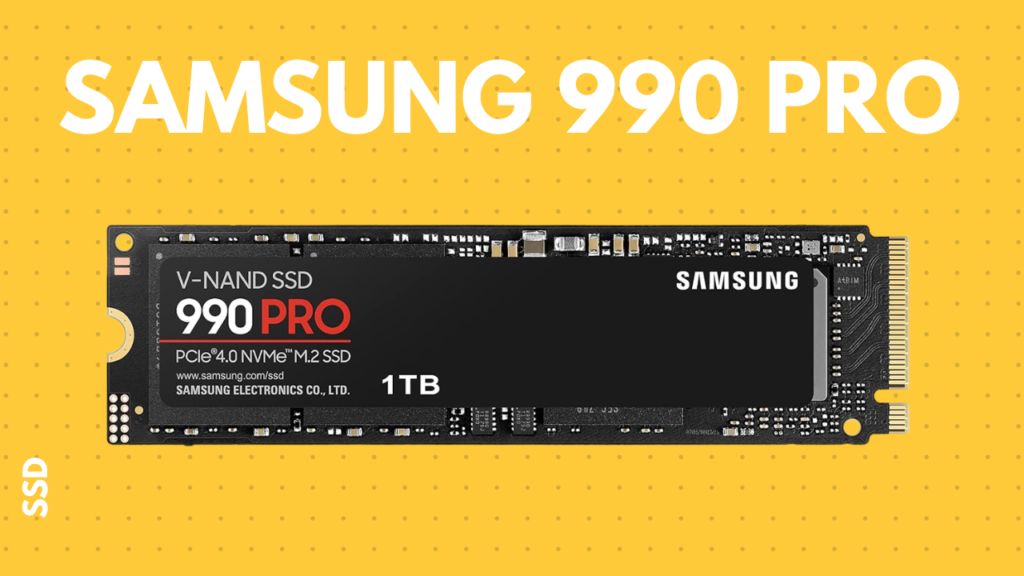
Let me be clear: the Samsung 990 Pro is an incredible high performance SSD. It is lightning fast, highly reliable, and dominates benchmark charts.
But context matters. If you are preparing to drop around $360 on a storage drive just to boot Windows and launch Cyberpunk 2077, you need an intervention. Having the word “Pro” printed on the label does not grant you VIP matchmaking servers or boost your frame rates.
If you are a professional video editor scrubbing through uncompressed 8K RAW footage daily, buy this drive right now. If you are just trying to game with your friends on Discord, this is extreme overkill.
The Verdict: The ultimate sweet spot for speed, endurance, and value.
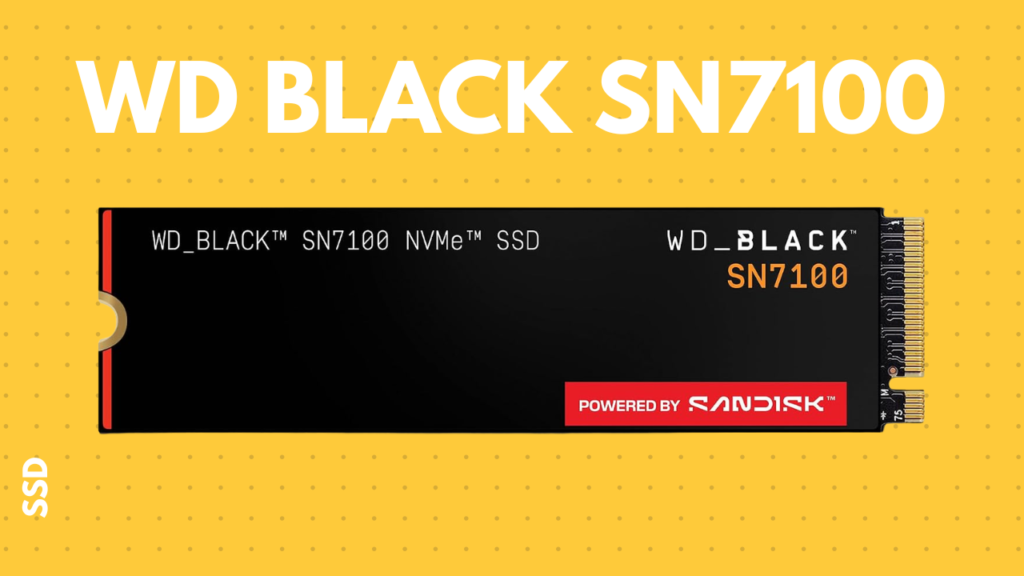
This is where the smart money goes in 2026. The WD Black SN7100 hits every single mark a PC builder cares about.
It delivers fantastic, sustained speeds that easily handle Windows boot times and demanding modern game engines. Remember the endurance issue we had with the Kingston? The SN7100 gives you a rock-solid 600 TBW rating.
The best part? It comes in about $78 cheaper than the Samsung 990 Pro. It does the exact same job for gamers, without demanding a “brand tax.” Keep that extra money in your pocket, or put it toward a better GPU cooling setup. The SN7100 is the clear winner.
- TBW Matters: Terabytes Written dictates the lifespan of your drive. Don’t cheap out if you move large files often. Double the TBW is always worth a slight price bump.
- Beware the Cache Drop: Cheaper drives (like the P3 Plus) fake their speeds using small SLC caches. When they fill up, your high performance SSD slows to a crawl.
- Gen 5 is (Mostly) Hype for Gamers: Don’t pay a premium just to have a Gen 5 sticker on the box. A top-tier Gen 4 drive will max out your game loading speeds just fine.
- Stop Paying the “Pro” Tax: High-end productivity drives are amazing for workstations, but they offer zero tangible benefits for gaming over mid-to-high tier gaming drives.
FAQ
1. What exactly does a high performance SSD do for gaming? A high performance SSD drastically reduces game load times, eliminates in-game stuttering caused by texture streaming, and makes your entire operating system feel snappy and responsive.
2. What does TBW mean when buying an SSD? TBW stands for Terabytes Written. It is an endurance rating that tells you how much data can be written to the drive over its lifetime before it becomes unreliable. Higher is always better.
3. Will a Gen 5 SSD give me more FPS than a Gen 4? No. Storage speed does not directly increase your Frames Per Second (FPS). It only affects how fast assets load into memory. Gen 4 is more than enough for modern games.
4. Why did my SSD suddenly slow down during a file transfer? This is usually due to SLC cache exhaustion. Many drives write to a fast cache first. Once that cache is full (often during large file transfers), the drive writes directly to slower memory, causing speeds to plummet.
5. Do I need a heatsink for my NVMe SSD? Yes, highly recommended. High performance SSD drives run hot. If they overheat, they will mathematically throttle their speeds to protect the hardware. Most modern gaming motherboards include built-in M.2 heatsinks.
6. Is the Samsung 990 Pro worth the extra money? For heavy productivity tasks like 4K/8K video editing or running heavy virtual machines, yes. For strictly gaming and running Windows, no.
7. How hard is it to install an M.2 SSD? It is incredibly simple. It requires one tiny screwdriver. You slot the drive in at an angle, press it down flat, and secure it with a single tiny M.2 screw. Just don’t drop the screw on a carpet!
8. Can I install a Gen 4 SSD in an older Gen 3 motherboard? Yes, PCIe slots are backward compatible. However, the Gen 4 drive will be bottlenecked and will only run at Gen 3 speeds.
9. What is the difference between the Kingston NV3 and WD Black SN7100? The primary difference is endurance and sustained performance. The WD Black SN7100 offers nearly double the TBW (lifespan) and handles heavy file transfers much better for a very small price increase.
10. How much storage capacity do I actually need for gaming in 2026? With modern games routinely crossing the 100GB to 150GB mark, 1TB is the absolute bare minimum, but 2TB is the highly recommended sweet spot for gamers today.
11. Does my operating system boot faster on a Gen 5 drive compared to Gen 4? The difference is functionally imperceptible to a human. Both will boot Windows in just a few seconds.
12. Why are some SSDs with identical stated speeds priced so differently? Spec sheets often highlight “peak” read/write speeds, which only last for a few seconds. More expensive drives maintain those fast speeds over longer periods, have better controllers, and feature higher TBW ratings.
13. Should I partition my high performance SSD? You can, but it is no longer necessary like it was in the days of mechanical hard drives. Most modern PC builders just leave the drive as one large partition (the C: drive).
14. How can I monitor my SSD’s health and temperature? You can use free software like CrystalDiskInfo or HWMonitor to keep an eye on your drive’s temperature, total reads/writes, and overall health status.
15. Is cloning an old drive to a new SSD a good idea? Cloning works fine using software like Macrium Reflect, but if you are building a new PC or upgrading a very old, messy Windows installation, doing a clean install is always better for long-term stability.