




Look, we’ve all been there. You’re staring at a PC part picker list at 2 AM, agonizing over which processor to buy, and wondering if you really need to sacrifice your grocery budget just to get decent frame rates. Building a gaming PC right now feels like navigating a minefield of confusing naming conventions and overlapping price tiers.
You just want to find the best CPU for your specific budget without accidentally bottle necking that graphics card you worked so hard to afford.
Whether you are Team Blue or Team Red, the budget CPU landscape has shifted massively. Old reliable chips are dropping to crazy low prices, and new contenders are shaking up the mid-range market. I’ve dug through the raw performance data, tested the claims, and ranked the top 5 processors that actually deserve your hard-earned cash right now.
Let’s skip the marketing fluff and get right into the benchmarks, pricing, and real-world gaming performance.
Table of contents
1. The Bare-Bones Budget: AMD Ryzen 5 5500
Let’s start at the absolute floor of what you should be putting in a modern gaming rig. Priced aggressively around $105, the Ryzen 5 5500 is an unusual little chip.
Here is the brutal truth: absolute performance matters, and the 5500 is noticeably slower than its bigger brothers. When stacked up against the standard 5600, you are looking at a performance penalty of roughly 15% in gaming.
Why? Because it has half the L3 cache. However, if your budget is completely inflexible and you are pairing this with an entry-level GPU (like an RX 6600 or an RTX 3050), it will still get you into the game smoothly at 1080p. Just manage your expectations if you plan to upgrade your graphics card later down the line.
💡 Pro Tip: Only buy this if you are upgrading an older AM4 motherboard on a shoestring budget. If you are building from scratch, try to save up an extra $30.
2. The Trusty Workhorse: Intel Core i5-12400F
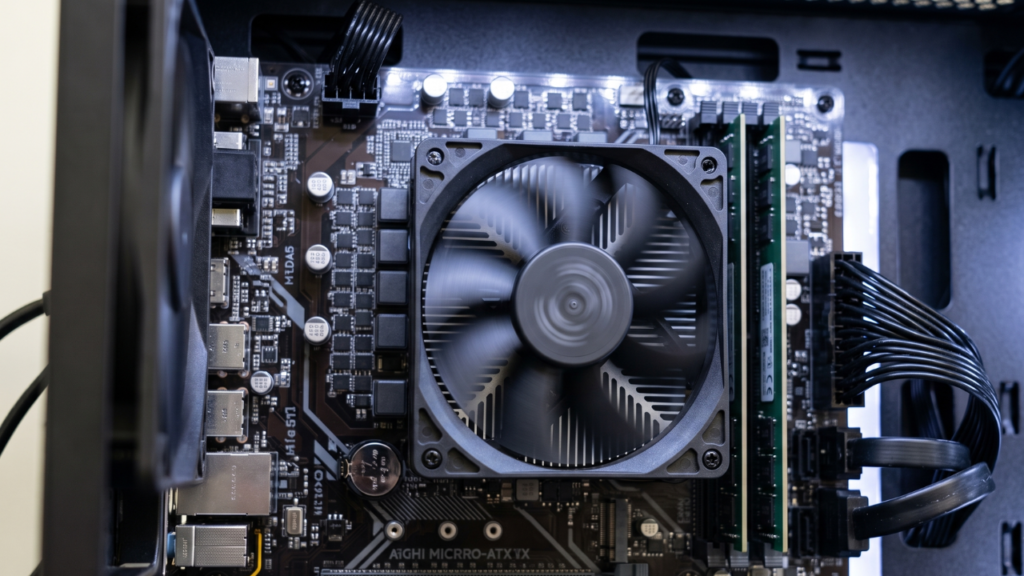
If there is a hall of fame for budget processors, the i5-12400F has a VIP seat. Hovering right around the $110 mark, this 6-core processor has been the baseline for mainstream gaming for a few years now.
It’s an incredibly competent chip that handles both gaming and productivity like a champ. However, it’s starting to show its age in raw frame-pushing against AMD’s aggressively priced AM4 lineup. Still, it boasts roughly 15% faster overall synthetic performance in multi-core tasks compared to the Ryzen 5600. If you do light video editing or heavy multitasking alongside your gaming, this is arguably the best CPU in the ultra-budget tier.
3. The AM4 Legend: AMD Ryzen 5 5600
Ah, the Ryzen 5 5600. It’s the processor that refuses to become irrelevant.
When you put it head-to-head against its direct competitor, the Intel 12400F, things get interesting. While Intel might win in synthetic multi-core benchmarks, the Ryzen 5 5600 pushes ahead with roughly 5% better gaming performance.
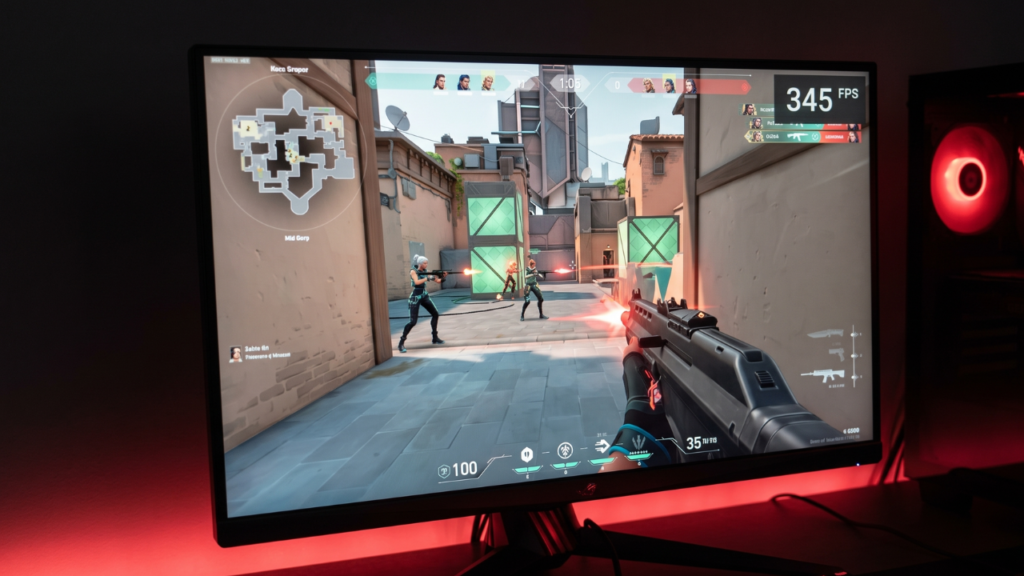
That larger L3 cache really flexes its muscles in CPU-bound esports titles like Valorant and Counter-Strike 2. Plus, AM4 motherboards are dirt cheap on the secondary market right now, making the overall platform cost incredibly low. Trust me, messing around with cheap motherboards can be a headache, but the AM4 ecosystem is as stable as it gets.
4. The Next-Gen Value: Intel Core Ultra 5 225F
Now we are stepping into the new generation. Priced around $165, the Intel Core Ultra 5 225F is the fresh face trying to reclaim the budget crown for Team Blue.
Is it worth the price bump over the 12400F? In our analysis, the 225F beats the classic 12400F by a solid 10% in gaming performance. It brings better power efficiency, snappier single-core speeds, and support for newer motherboard platforms. If you are building a brand-new PC and want an upgrade path without stepping into the enthusiast price bracket, the 225F is shaping up to be a phenomenal mid-range anchor.
5. The Heavyweight Champion: AMD Ryzen 5 7500F / 7600X
If you are looking for the absolute best CPU for high-refresh-rate gaming without spending $300+, stop right here.
The Ryzen 5 7500F (and its slightly faster sibling, the 7600X) is an absolute monster. When we compare it back to the baseline Intel 12400F, the 7500F delivers a staggering 20% to 25% stronger gaming performance.
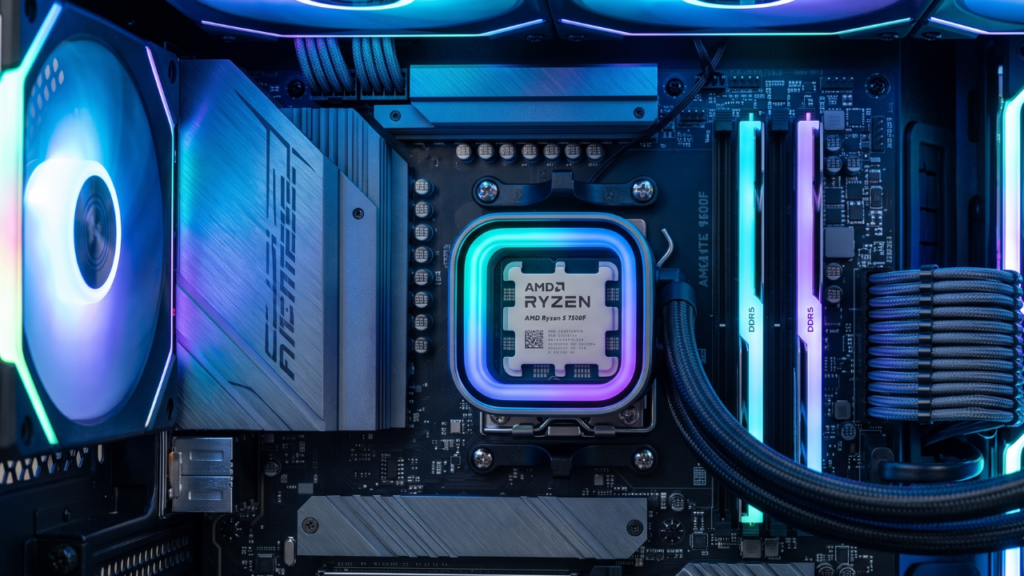
Going with the 7500F gets you onto the modern AM5 platform, which means DDR5 memory and a motherboard socket that AMD will support for years to come. Yes, the buy-in is a bit higher because DDR5 RAM and AM5 motherboards cost more, but the 7500% smoother overall experience (okay, maybe not 7500%, but it feels like it when your 1% lows stop stuttering) is entirely worth it.
📊 Side-by-Side Performance Comparison
| Processor | Approx. Price (USD) | Platform | Gaming vs 12400F | Best For |
| Ryzen 5 5500 | ~$105 | AM4 (DDR4) | ~15% Slower | Absolute minimum budget builds |
| i5-12400F | ~$110 | LGA1700 | Baseline | Balanced gaming & productivity |
| Ryzen 5 5600 | ~$135 | AM4 (DDR4) | + 5% Faster | Max value 1080p gaming |
| Core Ultra 225F | ~$165 | LGA1851 | + 10% Faster | Next-gen Intel budget builds |
| Ryzen 5 7500F | ~$170+ | AM5 (DDR5) | + 20-25% Faster | High-FPS, future-proof setups |
(Note: Prices fluctuate based on retailer availability and sales. Always check for combo deals on motherboards!)
💡 Frequently Asked Questions (FAQs)
1. What is the best CPU for a budget gaming PC right now?
For sheer value, the Ryzen 5 5600 is widely considered the best CPU for budget gaming. However, if you want future upgrade ability on a modern platform, the Ryzen 5 7500F or Intel Core Ultra 225F are superior choices.
2. Is the Ryzen 5 5500 good for gaming?
Yes, it is decent for 60fps gaming at 1080p when paired with a budget GPU. However, it lacks PCIe 4.0 support and has a smaller cache, making it noticeably slower than the Ryzen 5 5600.
3. Does the Intel i5-12400F bottleneck modern GPUs?
For entry-to-mid-range GPUs (like the RTX 4060 or RX 7600), the 12400F will not cause a severe bottleneck. If you upgrade to high-end cards like an RTX 4080, you will definitely see CPU limitations at 1080p or 1440p.
4. What does the “F” mean in Intel and AMD processors?
In both Intel (e.g., 12400F) and AMD (e.g., 7500F) processor names, the “F” indicates that the CPU does not have integrated graphics. You must have a dedicated graphics card installed for your PC to output a display.
5. Should I choose DDR4 or DDR5 for a budget build?
If your budget is extremely tight (under $600 for the whole PC), stick to DDR4 with an AM4 or older Intel platform. If you have a slightly larger budget, investing in DDR5 and an AM5 or LGA1851 motherboard offers a much better future upgrade path.
6. Why is the Ryzen 5 7500F hard to find?
The Ryzen 5 7500F was initially an OEM-only part (meaning it was only sold to system builders like Dell or HP) and specifically targeted at certain global markets. However, it can often be found on secondary markets or global retailers.
7. Is the Intel Core Ultra 5 225F better than the Ryzen 5 5600?
Yes. The Core Ultra 5 225F is a newer architecture and beats the older Ryzen 5 5600 by roughly 5% to 10% in gaming, while offering vastly superior single-core performance for everyday tasks.
8. Do budget CPUs come with a cooler in the box?
Most budget CPUs, including the Ryzen 5 5500, 5600, and Intel i5-12400F, include a stock cooler in the box. While they aren’t completely silent, they are perfectly adequate for keeping these lower-wattage chips cool during gaming.
9. How much RAM do I need with a budget CPU?
You should aim for an absolute minimum of 16GB (2x8GB sticks) running in dual-channel mode. For 2026 gaming standards, jumping to 32GB is highly recommended if your budget allows it.
10. What is L3 Cache, and why does it matter for gaming?
L3 Cache is super-fast memory built directly into the CPU. Games rely heavily on this cache to quickly access instructions. Processors with larger caches (like the 5600 over the 5500) generally produce much higher and more stable frame rates.
11. Is upgrading from an Intel 12400F to a Core Ultra 225F worth it?
If you already own a 12400F, a 10% gain in gaming from the 225F is probably not worth the cost of a new processor and a brand-new motherboard. Save up for a larger tier jump later.
12. Can a budget CPU stream to Twitch or YouTube?
Yes, but you should rely on your graphics card to handle the video encoding. Use Nvidia’s NVENC or AMD’s AMF encoders on your GPU to stream, which takes the heavy lifting off your budget CPU.
13. Do I need to reapply thermal paste if I buy a new CPU?
Yes. If you buy a brand new CPU, the included stock cooler usually has pre-applied thermal paste. If you use an aftermarket cooler, you must apply a fresh pea-sized drop of thermal paste yourself.
14. What happens if I pair a budget CPU with a $1,000 GPU?
You will experience a CPU bottleneck. The expensive GPU will generate frames faster than the budget CPU can process the game logic, resulting in lower GPU utilization and heavily fluctuating frame rates.
15. AMD vs Intel: Who makes the best CPU for budget builders right now?
It fluctuates, but right now AMD holds the crown for absolute bottom-dollar builds via the AM4 platform (Ryzen 5600), while both brands offer highly competitive mid-tier budget options (7500F vs 225F).