

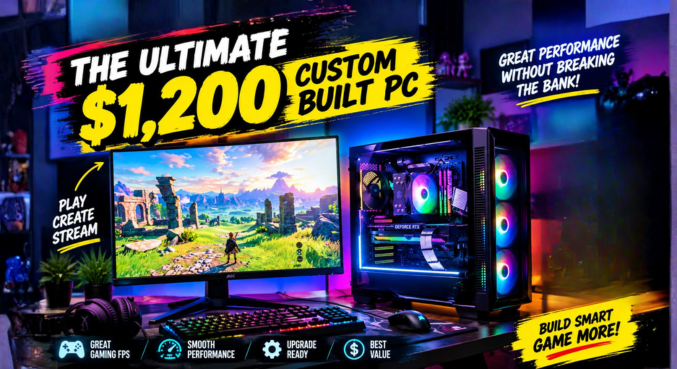

Let’s be real for a second. Dropping around $1,200 on a gaming rig is a serious commitment. You don’t just want a machine that runs today’s titles decently; you want a beast that crushes 1440p resolutions right now and continues to dominate well into the future.
What we are putting together here isn’t just another parts list. It is an investment. We are building the ultimate custom built pc designed around a rock-solid, future-proof core. By making a few incredibly smart strategic choices, we are locking down next-gen performance without blowing the budget.
Grab your magnetic screwdriver (because we all know the pain of losing those tiny motherboard screws inside the chassis) and let’s break down exactly what makes this the smartest $1,200 rig you can build in 2026.
The Core Philosophy: Smart Sacrifices, Maximum Gains
When configuring a custom built pc on a strict budget, the secret sauce is knowing where to spend and where to save. We are funneling the bulk of our $1,200 budget into the core platform—the CPU, motherboard, and memory architecture. Why? Because swapping out a graphics card or adding a storage drive in three years is a five-minute job. Having to rip out your entire motherboard because your CPU socket is obsolete? That is a weekend-ruining nightmare.
The Brains: AMD Ryzen 5 9600X
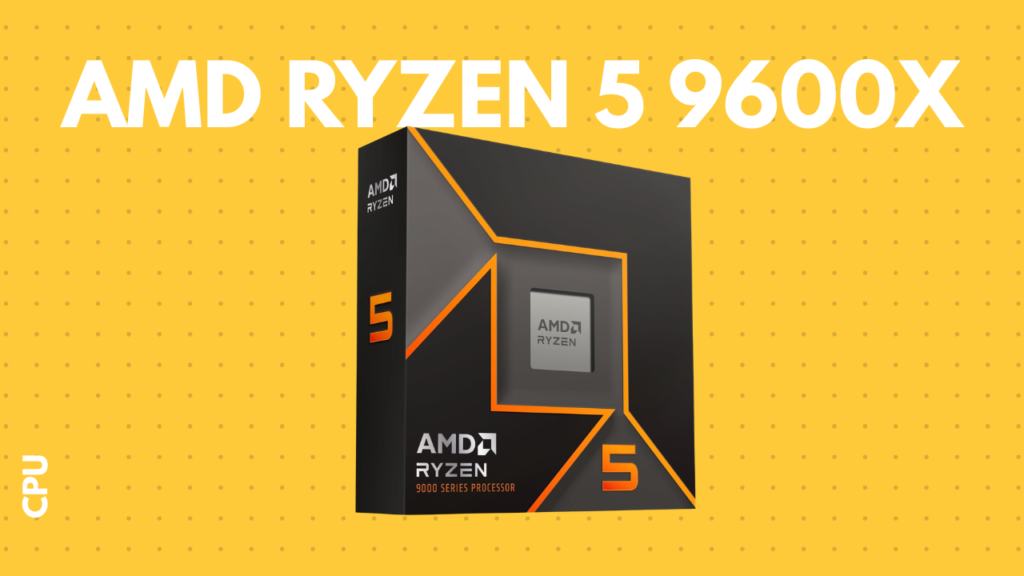
For the processor, we are rocking the AMD Ryzen 5 9600X. This isn’t just a blisteringly fast CPU; it is your golden ticket to the AM5 platform. AMD has a fantastic track record of supporting their sockets for years, meaning this board will gladly accept future generations of Ryzen chips when you eventually decide you need more processing firepower. It easily handles background tasks, aggressive multitasking, and feeds our GPU without breaking a sweat.
The Foundation: MSI B650 Motherboard
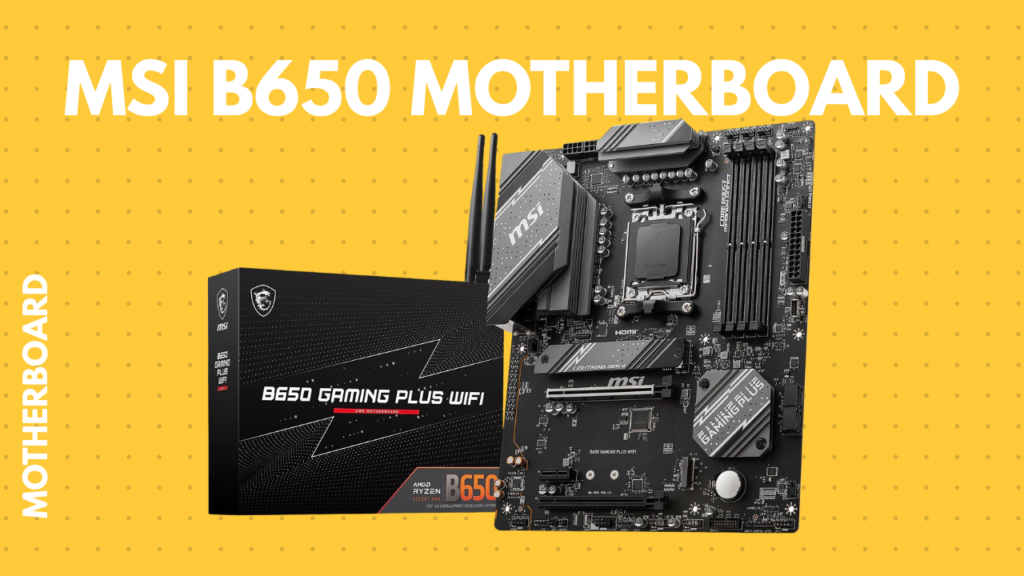
You can’t put a top-tier chip on a trash-tier board. The MSI B650 is the perfect partner for our next-gen Ryzen processor. It packs all the modern features you actually care about—excellent power delivery, fast networking, and plenty of expansion slots—without charging you a premium for ridiculous extras you’ll never use. It provides absolute stability, which is exactly what a high-performance system demands.
The Visual Powerhouse: Gigabyte RTX 4060
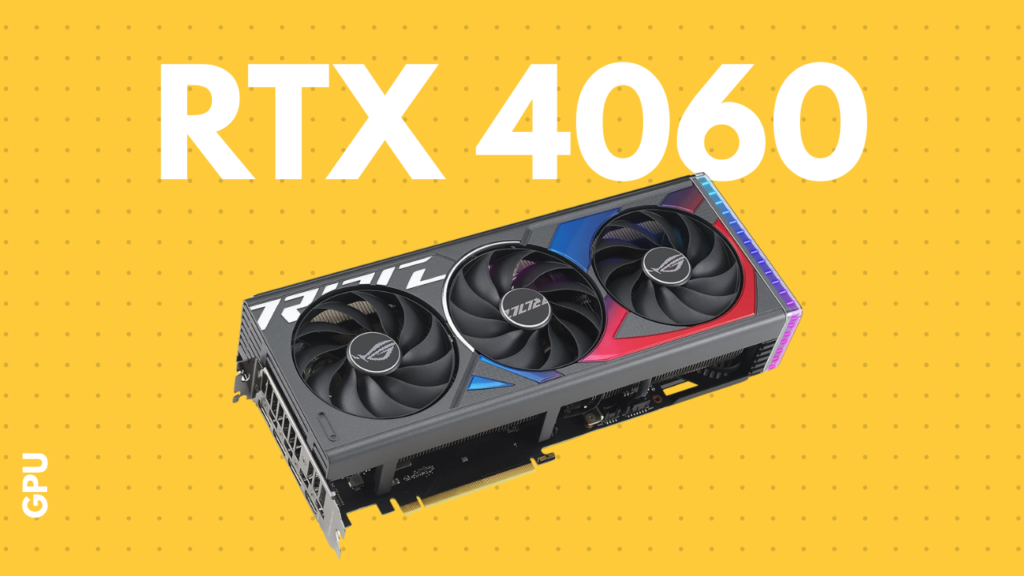
Even in 2026, the Gigabyte RTX 4060 is an absolute unit for the price. Honestly, finding this level of graphical horsepower at a price point that fits into a $1,200 budget is wild. It leverages NVIDIA’s DLSS and frame generation tech, allowing you to crank up the settings on your favorite AAA titles at 1440p while maintaining buttery-smooth frame rates.
Memory & Storage: Crucial DDR5 and NVMe
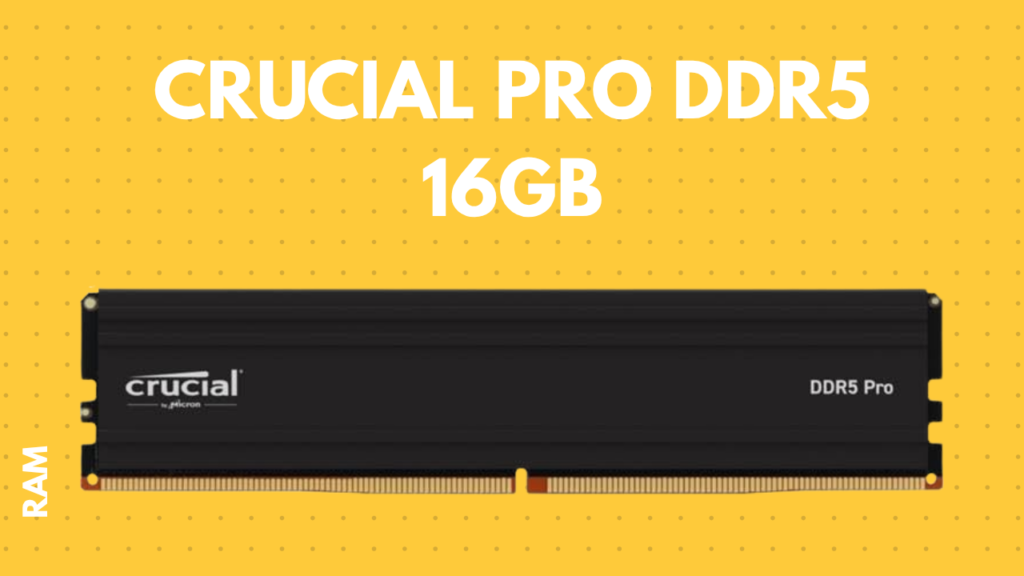
- Memory: We are slotting in 32GB of Crucial Pro DDR5 RAM. Let’s face it, 16GB is the bare minimum these days, and we are aiming for future-proof. 32GB ensures you can leave Chrome tabs open, run Discord, and game heavily without your system gasping for air.
- Storage: Here is where our “smart sacrifice” strategy comes into play. We are using a 1TB Crucial P3 SSD. Is it the absolute fastest Gen 5 drive on the market? No. But it is a lightning-fast NVMe drive that will load your games in seconds, and going with a high-value drive like this frees up the cash we needed for that AM5 platform upgrade. You can always snap in a secondary drive later when your Steam library inevitably gets out of hand.
Power & Cooling: EVGA 750W & Cooler Master ML240
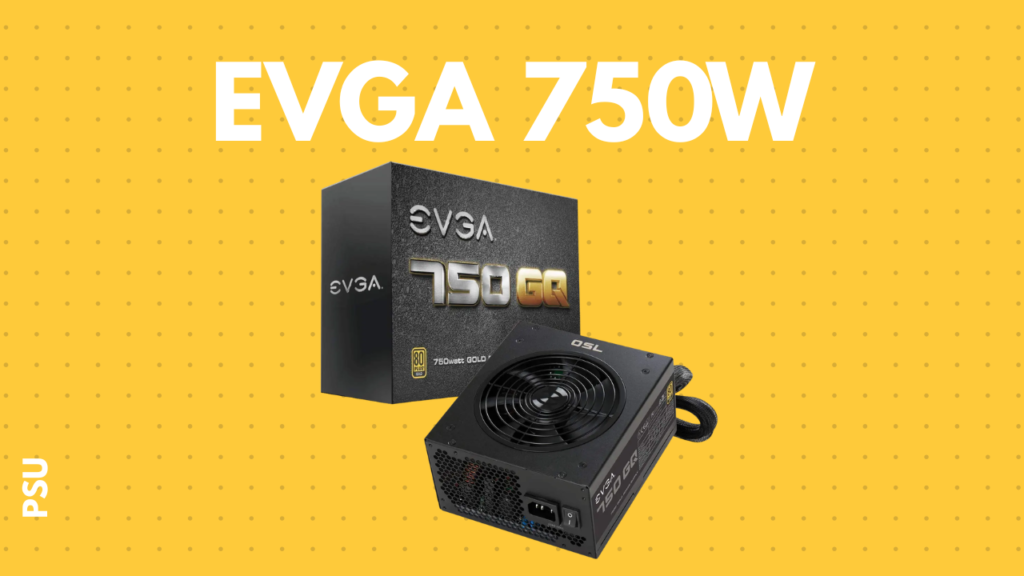
- Power Supply: Never cheap out on the PSU. We are going with the EVGA 750W Gold. It provides rock-solid, incredibly efficient power delivery, and more importantly, it gives us plenty of headroom. When you decide to drop a beefier GPU into this rig in a few years, your power supply won’t even flinch.
- Cooler: To keep that Ryzen 9600X icy, we are strapping on the Cooler Master ML240 Liquid Cooler. It keeps thermal throttling at bay and operates whisper-quiet. Plus, when it comes time to mount it, applying a high-quality thermal paste correctly will ensure those temps stay low even during intense, multi-hour gaming sessions.
The Canvas: Circle Defender ZX3 Case
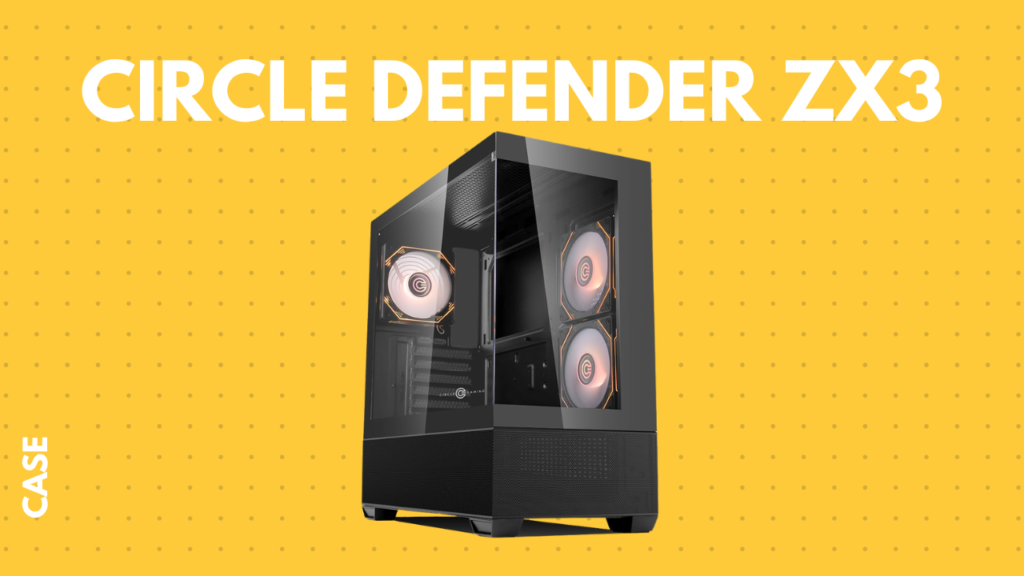
Every masterpiece needs a canvas. The Circle Defender ZX3 case houses all of this beautifully. It offers excellent airflow, modern aesthetics, and superb cable management routing, making your custom built pc look just as good as it performs.
Key Takeaways
- Budget Mastery: A $1,200 budget is the absolute sweet spot for entering high-end 1440p gaming.
- Platform Longevity: The Ryzen 5 9600X and MSI B650 motherboard put you on the AM5 platform, ensuring easy CPU upgrades for years to come.
- Visual Fidelity: The RTX 4060 paired with DLSS technology provides incredible value and smooth 1440p performance.
- Strategic Spending: Using a high-value 1TB NVMe drive allows for maximum investment in core, harder-to-replace components.
- Upgrade Ready: With 32GB of DDR5 and a 750W Gold PSU, this rig is built to scale up whenever you are ready.
Frequently Asked Questions (FAQs)
1. Can this custom built pc really handle 1440p gaming? Yes. The combination of the Ryzen 5 9600X and the RTX 4060, especially when utilizing NVIDIA’s DLSS technology, is perfectly optimized for high frame rates at 1440p.
2. Why choose the AM5 platform right now? The AM5 socket is AMD’s newest standard. By adopting it now, you ensure you can upgrade to future generations of processors without needing to buy a brand new motherboard.
3. Is 32GB of RAM overkill for gaming? Not in 2026. While 16GB is manageable, 32GB is the new standard for smooth multitasking, heavy gaming, and running background apps simultaneously.
4. Can I stream on Twitch or YouTube with this build? Absolutely. The RTX 4060 features NVIDIA’s highly efficient NVENC encoder, which handles the heavy lifting of streaming without tanking your game’s frame rate.
5. Why an AIO liquid cooler instead of an air cooler? The Cooler Master ML240 liquid cooler provides excellent thermal mass, keeping the Ryzen chip boosting higher for longer periods, all while running quieter than a standard stock air cooler.
6. Is 1TB of storage enough? It is a great starting point. It fits your OS, core applications, and several large games. The beauty of this custom built pc is that you can easily add another M.2 or SATA drive later.
7. Why go with an EVGA 750W Gold PSU? It offers high power efficiency (Gold rating) and leaves enough overhead wattage so you don’t have to replace your power supply if you upgrade to a more power-hungry graphics card in the future.
8. Can I change the PC case? Definitely. As long as the case you choose supports ATX motherboards (for the MSI B650) and a 240mm AIO cooler, you can pick any design you like.
9. Do I need additional thermal paste for the AIO cooler? Most liquid coolers come with pre-applied paste, but having a premium tube of thermal paste on hand is always recommended for the absolute best temperatures and future maintenance.
10. How difficult is this PC to build for a beginner? This is a very beginner-friendly parts list. The Circle Defender case is easy to build in, and there are no overly complicated proprietary connections.
11. Does the RTX 4060 support Ray Tracing? Yes, it has dedicated RT cores. However, at 1440p, you will want to utilize DLSS alongside Ray Tracing to maintain smooth frame rates.
12. Will this PC support Wi-Fi out of the box? Check your specific MSI B650 motherboard variant. If it has “WiFi” in the name, you are good to go. If not, you will need a cheap PCIe Wi-Fi card or rely on a wired Ethernet connection (which is better for gaming anyway).
13. How long will this build last before needing an upgrade? For 1440p gaming, this core system will easily last 3 to 5 years. Your first likely upgrade will simply be a more powerful GPU or more storage.
14. What tools do I need to build this? A standard Phillips head screwdriver (preferably magnetic), some zip ties for cable management, and a clean, anti-static workspace.
15. Can I use this PC for video editing? Yes! The 32GB of DDR5 RAM, fast NVMe storage, and NVIDIA’s CUDA cores make this an excellent workstation for rendering and video editing.