


Let’s be honest: shopping for computer hardware can be heartbreaking. You draft a dream parts list, check your bank balance, and realize that a decent dedicated graphics card swallows more than half your entire setup budget. Before you’ve even picked out a motherboard or power supply, your wallet is tapped out.
That frustration causes many aspiring builders to give up or buy an overpriced, under-powered pre-built office desktop that can’t even load modern titles.
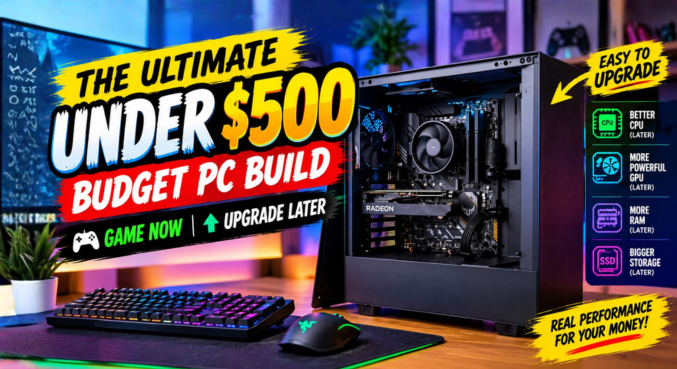
There is an alternative. You don’t need a bulky, $300 discrete GPU on day one to join your friends on Discord. By taking advantage of high-efficiency Accelerated Processing Units (APUs) and making smart hardware compromises, you can assemble an ultra-capable budget pc build for roughly $480.
The core philosophy is simple: Game right now on modest settings, and slot in a powerhouse graphics card later when your finances bounce back.
2. The Blueprint: An Under $500 “Game Now, Upgrade Later” Strategy {#the-blueprint}
Featured Snippet Quick Take:
A “game now, upgrade later” budget PC build relies on an APU—a processor equipped with capable integrated graphics—paired with dual-channel RAM and a reliable, high-wattage power supply. This eliminates the upfront graphics card cost while ensuring the system can handle a dedicated GPU upgrade in the future without replacing other core components.
When designing a sub-$500 machine, cutting corners on the wrong parts can ruin your upgrade path. Cheap out on the power supply, and you’ll risk frying your components the day you drop in a dedicated card. Buy a single stick of RAM, and your frame rates will tank.
Our strategy centers on:
- Zero Discrete GPU at Launch: Relying on robust integrated Vega graphics.
- Double Bandwidth Memory: Feeding the processor’s graphics engine with high-speed dual-channel DDR4.
- A Quality Power Core: Investing in a tier-rated 550W power supply that can effortlessly feed a mid-range graphics card down the road.
- No-Frills Aesthetics: Rejecting expensive tempered glass and RGB markups to prioritize pure silicon performance.
3. The Heart of the Rig: AMD Ryzen 5 5500GT APU {#amd-ryzen-5-5500gt}
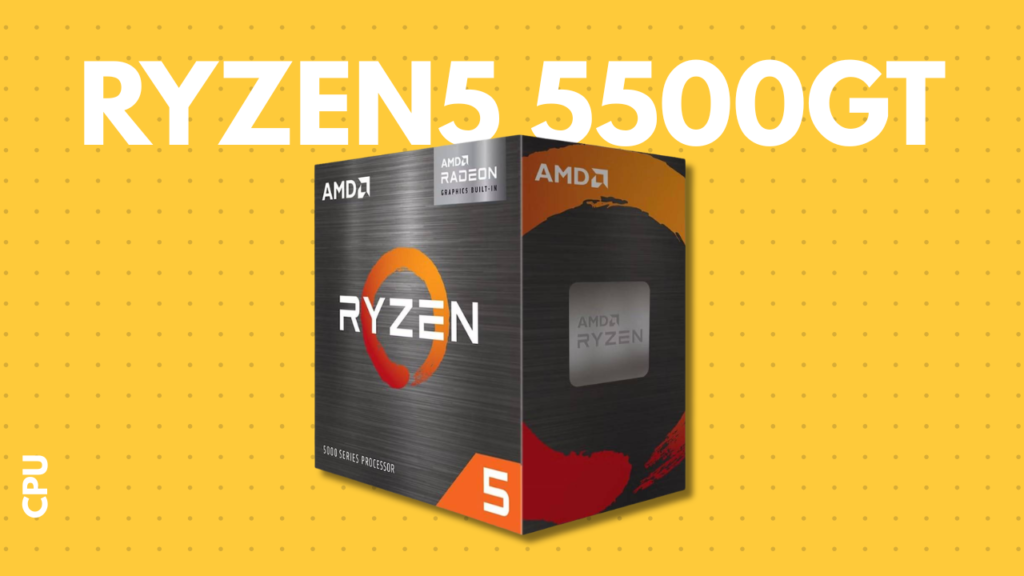
AMD Ryzen 5 5500GT Quick Specs:
├── Cores / Threads: 6 Cores / 12 Threads
├── Base Clock / Boost Clock: 3.6 GHz / 4.4 GHz
├── Integrated Graphics: Radeon Vega 7
└── Stock Cooler: AMD Wraith Stealth (Included in box)
The centerpiece of this budget pc build is the AMD Ryzen 5 5500GT.
Why this chip? It kills two massive financial birds with one stone. First, it features AMD Radeon Vega 7 integrated graphics baked directly onto the die. Second, AMD includes the capable Wraith Stealth cooler in the box. You completely avoid buying a discrete GPU and save the $20 to $30 you would have spent on an aftermarket CPU cooler.
With 6 cores and 12 threads clocking up to 4.4 GHz, the 5500GT is no slouch. It delivers snappy daily productivity, fast web browsing, and enough multi-threaded muscle that it won’t bottleneck a modern mid-range GPU like an RX 6600, RX 7600, or RTX 4060 when you decide to install one later.
4. The Critical Memory Rule: Why Dual-Channel RAM Is Non-Negotiable {#dual-channel-ram}
+-------------------------------------------------------------------+
|  SINGLE STICK RAM (Single-Channel: 64-bit Bus)                   |
|  [ 16GB Single Stick ] ====> [ Choked APU Memory Pipeline ]       |
|  Result: Choppy gameplay, micro-stutters, cut frame rates         |
+-------------------------------------------------------------------+
|  TWO STICKS RAM (Dual-Channel: 128-bit Bus)                      |
|  [ 8GB Stick ] + [ 8GB Stick ] ====> [ Wide APU Memory Pipeline ] |
|  Result: Smooth frame delivery, up to 40% higher gaming FPS       |
+-------------------------------------------------------------------+
If you remember only one rule from this guide, make it this: never use a single memory stick with an APU.
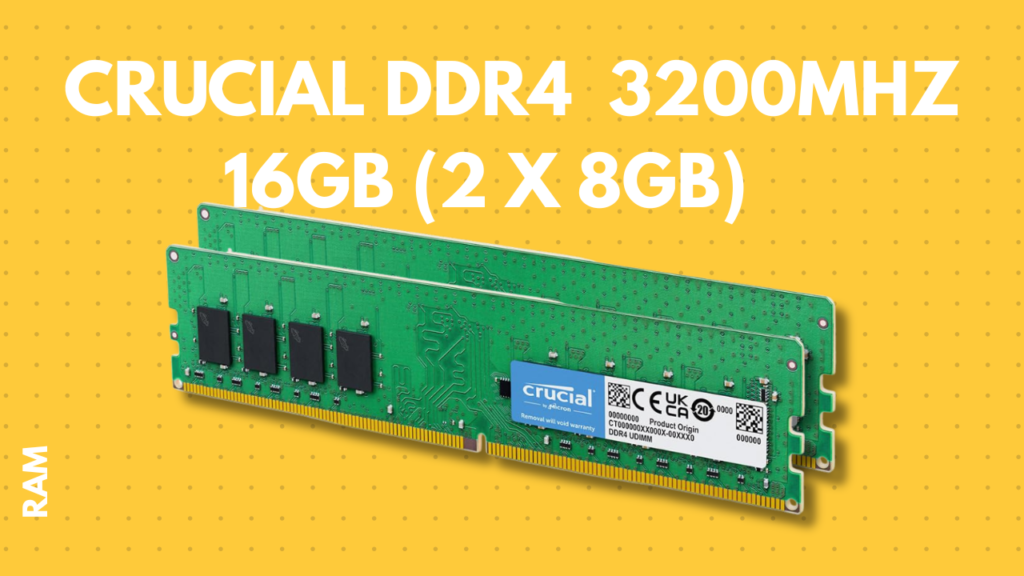
We are using 16GB (2 x 8GB) of Crucial DDR4-3200MHz RAM.
Here is why: Dedicated graphics cards have their own ultra-fast memory (VRAM). An APU, on the other hand, shares your system’s main RAM. When you run a single 16GB stick, your memory operates in a 64-bit channel. By running two 8GB sticks in dual-channel configuration, you double the memory bus width to 128 bits.
Integrated graphics thrive on memory bandwidth. Cutting that bandwidth in half cuts your frame rates in half and introduces stuttering. Dual-channel memory is the single highest-impact tweak on any APU-driven budget pc build.
5. The Foundation: Gigabyte A520M K V2 Motherboard {#gigabyte-a520m-motherboard}
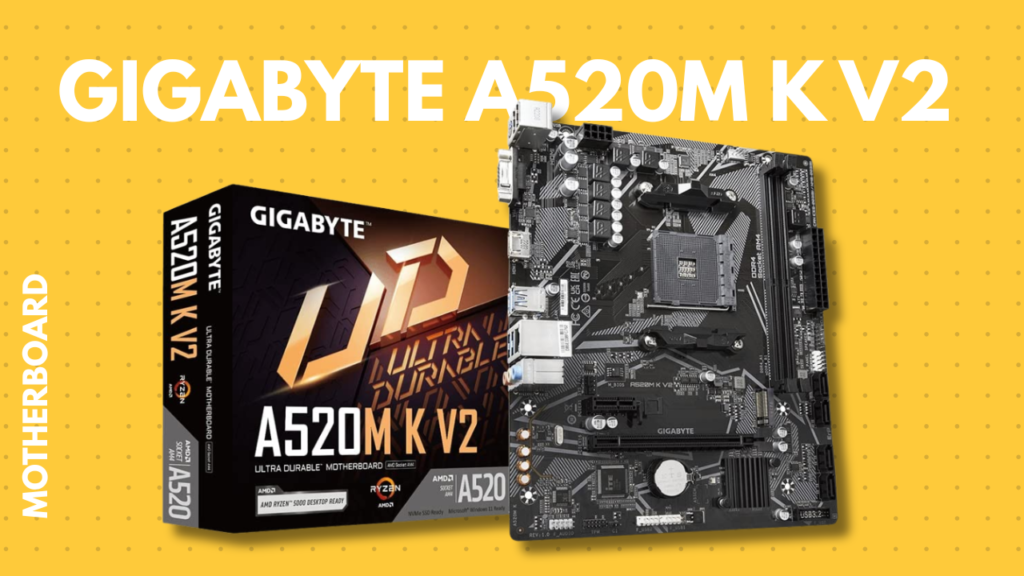
Motherboards can quickly inflate your budget with features you might never touch, like fancy heatsinks, multiple PCIe 4.0 lanes, and onboard Wi-Fi 6E.
The Gigabyte A520M K V2 keeps things practical:
- Robust AM4 socket support for the Ryzen 5000 series out of the box.
- PCIe 3.0 x16 slot ready for your future graphics card.
- High-speed M.2 NVMe slot for storage expansion.
- Clean, compact micro-ATX footprint.
It strips away RGB lighting and heavy overclocking features, funneling your cash directly where it matters: your core computing performance.
6. Storage on a Shoestring: Patriot P210 512GB SSD {#patriot-p210-ssd}
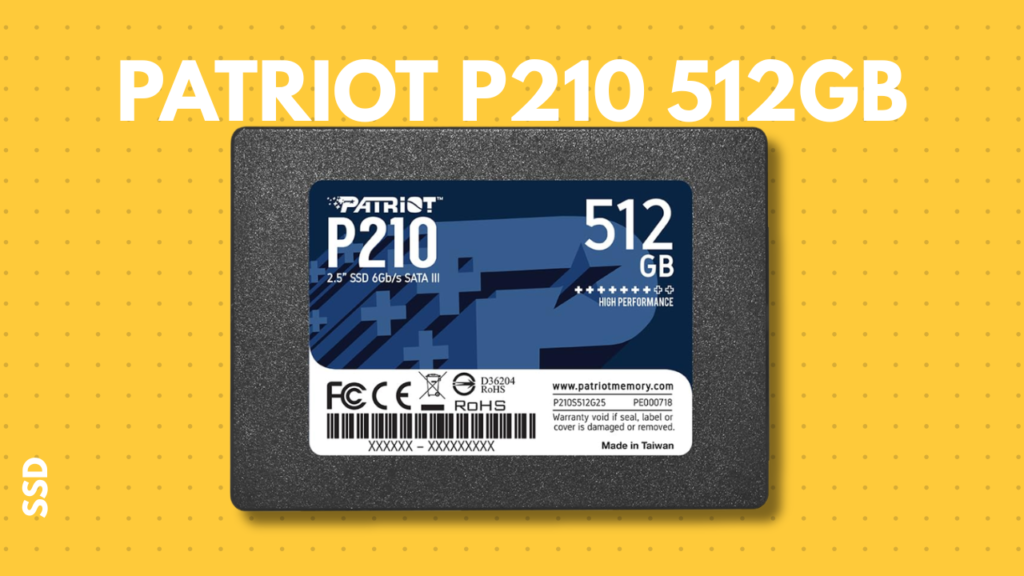
Mechanical hard drives have no place in a modern system as your primary boot drive. Waiting three minutes for Windows to start is a relic of the past.
We’ve selected the Patriot P210 512GB 2.5-inch SATA SSD. While not as blazing fast on paper as a Gen4 NVMe drive, in everyday gaming and OS navigation, the real-world boot and load times are night and day compared to spinning rust. It offers enough space for Windows 11, your key drivers, and a solid rotation of competitive games (Valorant, GTA V, and Minecraft all fit comfortably with plenty of breathing room).
Tip: When your budget recovers, you can slide an ultra-fast 1TB or 2TB M.2 NVMe SSD directly into the motherboard’s open slot without replacing this Patriot drive.
7. The Unsung Hero: Gigabyte P550SS 80+ Silver Power Supply {#gigabyte-p550ss-psu}
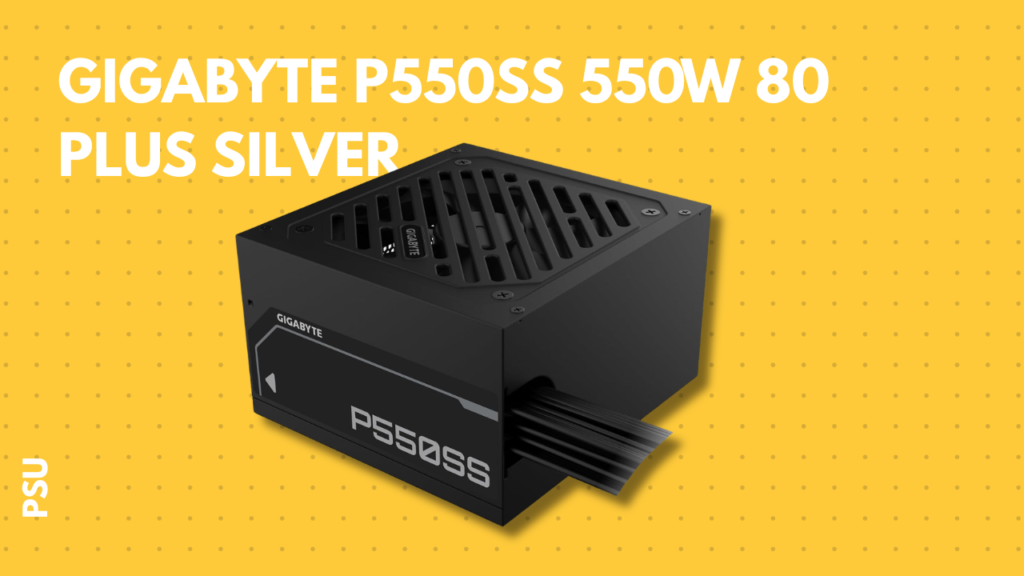
When builders cut corners to lower their costs, the power supply unit (PSU) is usually the first casualty. Cheap, unrated gray-box power supplies are hazards that can destroy your entire rig under heavy load.
We chose the Gigabyte P550SS 550W 80 Plus Silver:
- Reliability: 80 Plus Silver certification ensures cooler operation, steady voltages, and lower power consumption.
- Upgrade Headroom: The APU build alone draws barely 120W to 150W under full load. A 550-watt unit leaves 400W of overhead. That means you can drop in a 130W to 170W discrete GPU down the road without swapping your power supply.
Never treat the PSU as an afterthought. It protects every other dollar you put into your machine.
8. The Enclosure: Ant Esports Si25 ATX Case {#ant-esports-si25-case}
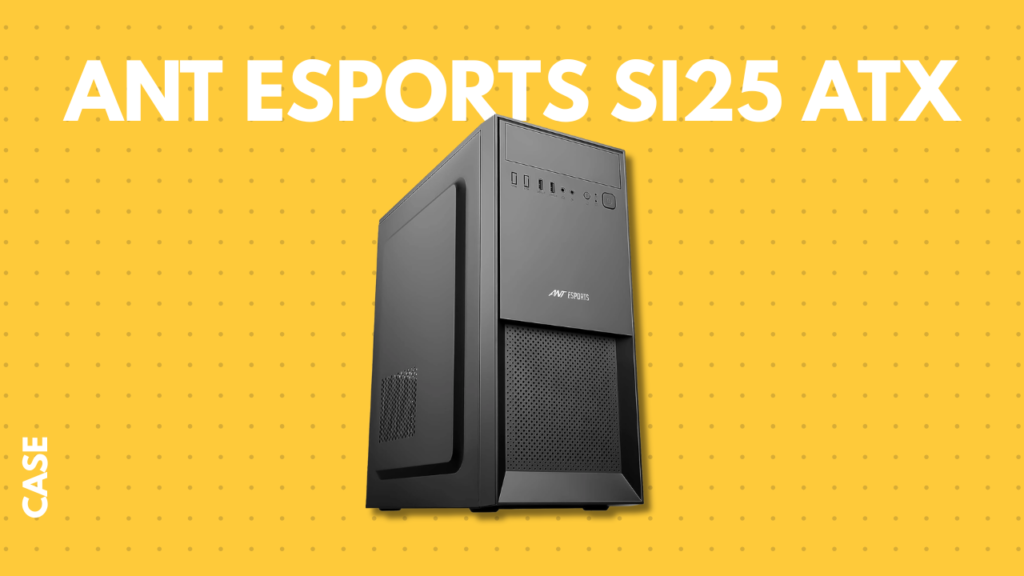
It is easy to get seduced by fish-tank glass cases and bright RGB fan kits, but flashy LEDs don’t produce extra frames.
The Ant Esports Si25 ATX case keeps things simple:
- Minimalist, professional black aesthetic.
- Standard airflow paths that easily cool low-wattage components.
- Standard ATX/Micro-ATX form factor offering ample clearance for standard dual-fan graphics cards in the future.
By skipping the “RGB tax,” you keep roughly $30 to $50 in your pocket.
9. Complete Component Breakdown & Price Estimate {#component-breakdown}
Here is how the numbers shake out. Converting the initial component investment yields a total build cost around $480 USD, landing safely under our target threshold.
| Component | Selected Part | Key Specification | Estimated Cost (USD) |
| Processor (APU) | AMD Ryzen 5 5500GT | 6C/12T, Vega 7 Graphics, Cooler Included | ~$125 |
| Motherboard | Gigabyte A520M K V2 | Socket AM4, PCIe 3.0, M.2 Slot | ~$60 |
| Memory (RAM) | Crucial DDR4 (2x8GB) | 16GB Dual-Channel, 3200MHz, CL22 | ~$45 |
| Storage (SSD) | Patriot P210 512GB | 2.5″ SATA III Internal Solid State Drive | ~$32 |
| Power Supply | Gigabyte P550SS | 550W, 80 Plus Silver Efficiency | ~$48 |
| Chassis (Case) | Ant Esports Si25 | ATX Mid-Tower, Solid Front/Side Panel | ~$30 |
| Operating System | Windows 11 Home / Linux | Unactivated / Free Open Source | $0 (Trial/Free) |
| Taxes / Shipping | Variable | Regional estimates | ~$140 |
| TOTAL | — | Complete Entry-Level Rig | ~$480 |
10. Real-World Gaming Performance: What Can You Actually Play? {#gaming-performance}
Can an APU without a discrete graphics card genuinely handle real games? Yes, if you keep your expectations grounded.
Realistic 1080p Gameplay Expectations:
+-------------------+----------------------------+-----------------------+
| Game Title        | Resolution & Preset        | Expected Frame Rate   |
+-------------------+----------------------------+-----------------------+
| Valorant          | 1080p Low / Competitive    | 120 - 160+ FPS        |
| CS2               | 1080p Low (FSR Performance)| 55 - 75 FPS           |
| GTA V             | 1080p Normal / Medium      | 50 - 65 FPS           |
| Minecraft (Java)  | 1080p Fancy (w/ Sodium)    | 100+ FPS              |
| Rocket League     | 1080p Performance          | 75 - 90 FPS           |
| Cyberpunk 2077    | 720p Low / FSR Balanced    | 30 - 38 FPS           |
+-------------------+----------------------------+-----------------------+
Esports and Lightweight Hits
Titles like Valorant, Rocket League, League of Legends, and Minecraft will run smoothly. In Valorant, the 6-core processing speed of the 5500GT carries the workload, giving you high triple-digit frame rates suited for high-refresh monitors.
Open-World Classics
Grand Theft Auto V runs comfortably between 50 and 65 FPS at 1080p with normal textures and FXAA enabled. The experience remains console-smooth and stable.
Demanding AAA Blockbusters
If you try to fire up Cyberpunk 2077, Alan Wake 2, or Starfield, integrated graphics will show their limits. You will need to drop your resolution to 720p, engage AMD FSR (FidelityFX Super Resolution), and accept a 30 to 35 FPS average.
This build isn’t designed to max out heavy AAA games today; it’s designed to give you a working, playable battle station immediately while you save up for an upgrade.
11. The Future Upgrade Path: From APU to Dedicated Battlestation {#upgrade-path}
This configuration is an active investment platform, not a dead end. When you are ready to upgrade your budget pc build, follow this staged sequence:
Stage 1 (Today): Ryzen 5 5500GT APU + 16GB Dual-Channel RAM ($480)
   │
   ▼
Stage 2 (6–12 Months): Add AMD Radeon RX 6600 8GB (~$199)
   │  └── Frame rates in modern AAA games jump by 250% to 300%
   │
   ▼
Stage 3 (Future-Proofing): Add 1TB M.2 NVMe SSD (~$60)
      └── Expand your game library storage without disturbing your OS
- Phase 1: Dedicated GPU InstallationAdd a budget-friendly graphics card like the AMD Radeon RX 6600 8GB, Intel Arc A580, or Nvidia RTX 3050/4060. Your Gigabyte 550W power supply already has the requisite 8-pin PCIe power cable ready to plug straight in.
- Phase 2: High-Speed NVMe StorageUse the open M.2 PCIe slot on your Gigabyte A520M motherboard to install a fast 1TB or 2TB NVMe drive for modern games with large installation sizes.
- Phase 3: Peripherals & DisplaysTransition from a standard 60Hz screen to a 144Hz or 165Hz FreeSync gaming monitor to take full advantage of your new discrete graphics card.
12. Step-by-Step Assembly Tips & Common Pitfalls {#assembly-tips}
Building your first rig is straightforward, but small oversights can lead to troubleshooting headaches:
- Update or Verify BIOS Compatibility: While most Gigabyte A520M K V2 boards ship ready for the Ryzen 5 5500GT, check the box for a “Ryzen 5000 Desktop Ready” sticker. If your board fails to boot, you may need to update the BIOS using Q-Flash.
- Seat the RAM in the Right Slots: Because the motherboard has two slots, populate both to ensure dual-channel mode is engaged immediately. Push down firmly until both retention tabs click shut.
- Pre-Applied Thermal Paste Caution: The included AMD Wraith Stealth cooler comes with thermal paste pre-applied on the copper base. Do not touch the bottom surface with your fingers while unboxing. Install it directly onto the processor with alternating diagonal screw turns to distribute pressure evenly.
- Don’t Forget the I/O Shield: Install the metal rear I/O shield into the back cutout of your Ant Esports chassis before lowering the motherboard into place. Forgetting this step is a classic rite of passage that forces you to unscrew everything.
- Enable XMP in the BIOS: After assembling your rig and reaching the boot screen, tap
DELto enter the Gigabyte BIOS and turn on X.M.P. (Extreme Memory Profile). Without this step, your Crucial RAM will default to baseline 2133MHz speeds, choking your APU performance.
Key Takeaways
- Skip the GPU to Save Your Budget: Modern APUs like the Ryzen 5 5500GT let you build a complete system under $500 without sacrificing day-one play ability on competitive games.
- Dual-Channel RAM Is Mandatory: Always install two 8GB sticks instead of one 16GB stick. Integrated graphics rely heavily on memory bandwidth, and dual-channel configuration unlocks up to 40% more FPS.
- Do Not Cheap Out on Power: A quality 550W 80 Plus Silver power supply gives you the safety overhead needed to drop in a dedicated GPU later without replacing your PSU.
- Upgrades Keep It Fresh: Start with esports, indie hits, and daily computing today, then add an RX 6600 or RTX 4060 down the road for high-performance 1080p/1440p gaming.
Frequently Asked Questions (FAQs)
1. What is the total cost of this budget PC build?
The complete system costs approximately $480 USD (converted from the original ~₹40,000 baseline), depending on local retail pricing, shipping, and sales tax.
2. Can this budget PC build run modern games without a dedicated graphics card?
Yes. It easily handles popular esports and lighter titles like Valorant, CS2, Minecraft, League of Legends, and GTA V at 1080p with smooth, playable frame rates. Demanding AAA blockbusters like Cyberpunk 2077 will require lowering settings to 720p with FSR enabled.
3. Why did we choose the Ryzen 5 5500GT over the Ryzen 5 5600G?
The Ryzen 5 5500GT is an updated revision offering identical or slightly tuned clock profiles, often found at a lower price point than the older 5600G, making it the superior value choice for an entry-level build.
4. Can I use a single 16GB RAM stick now and add another later?
You can, but it is strongly discouraged. A single RAM stick forces the APU to run on a 64-bit single-channel bus, which can cut your gaming frame rates by 30% to 40%. Running a 2x8GB dual-channel kit from the start is essential for smooth performance.
5. Is 512GB of SSD storage enough for gaming?
512GB is adequate for Windows 11, basic apps, and three to four medium-sized games like Valorant, GTA V, and Minecraft. Since the motherboard includes an open M.2 NVMe slot, you can easily add a dedicated 1TB or 2TB high-speed game drive down the road.
6. Will this build support a dedicated graphics card in the future?
Yes. The Gigabyte A520M motherboard features a full-length PCIe 3.0 x16 slot, and the 550W power supply includes the necessary 8-pin PCIe power connector to support mid-tier GPUs like the AMD Radeon RX 6600, RX 7600, or Nvidia RTX 4060.
7. Does the Ryzen 5 5500GT come with a CPU cooler?
Yes, AMD packages the Wraith Stealth air cooler inside the box, complete with pre-applied thermal paste. This eliminates the need to buy an aftermarket cooler.
8. Why pick an A520 motherboard instead of a B550?
The A520 chipset delivers the essential features needed for budget gaming while trimming out overclocking controls and PCIe 4.0 traces, which keeps the motherboard price low without hurting APU performance.
9. Why not choose an ultra-cheap generic power supply?
Off-brand, uncertified power supplies lack protective circuitry (OVP, UVP, SCP) and often fail under continuous loads. The Gigabyte P550SS provides certified 80 Plus Silver efficiency and stable power rails, protecting your components.
10. Do I need Wi-Fi on this motherboard?
The Gigabyte A520M K V2 relies on a Gigabit Ethernet LAN port for the fastest, most reliable wired connection. If you require Wi-Fi, you can add an inexpensive USB Wi-Fi dongle or a PCIe Wi-Fi card.
11. How do I allocate more VRAM to the Ryzen 5500GT?
Restart your PC, press DEL to enter the BIOS, navigate to Advanced Settings, locate Integrated Graphics Configuration, and set the UMA Frame Buffer Size to 2GB or 4GB.
12. Can this PC handle video editing or streaming?
It handles 1080p video editing in DaVinci Resolve or Premiere Pro for basic projects thanks to its 6-core/12-thread architecture. However, heavy effects or simultaneous single-PC game streaming will require a dedicated GPU with a dedicated hardware encoder (like NVENC or AMF).
13. Is the Ant Esports Si25 case large enough for future graphics cards?
Yes. The Si25 accommodates standard dual-fan graphics cards up to 300mm in length, which covers the majority of budget and mid-tier GPUs on the market.
14. What monitor should I buy for this budget PC build?
A standard 24-inch 1080p IPS monitor running at 100Hz to 144Hz with AMD FreeSync support is ideal. It matches the APU’s output today and will take full advantage of a dedicated GPU tomorrow.
15. Do I need to buy thermal paste separately?
No. The AMD Wraith Stealth cooler included with the processor comes with pre-applied thermal paste right out of the box.
16. What is the first thing I should do after installing Windows?
Install the latest AMD chipset drivers and Adrenalin Edition graphics drivers directly from AMD’s support website, and make sure XMP is enabled in your BIOS so your memory runs at its advertised 3200MHz speed.