


You’ve got GTA 6 on the brain, and the game isn’t even out yet. Trust me, I get it. The anticipation is real, and the urge to upgrade your setup is probably keeping you up at night.
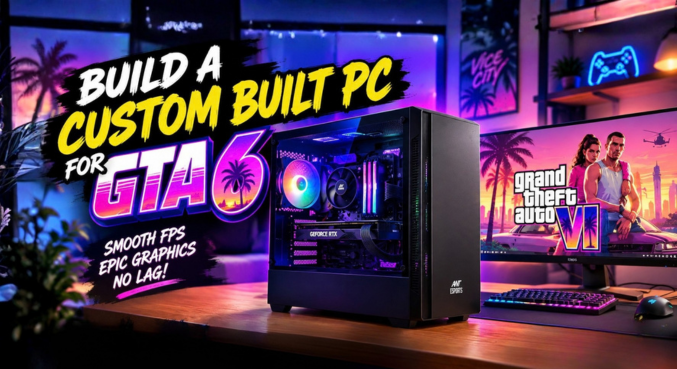
But before you empty your savings account or take out a second mortgage just to afford top-tier hardware, let’s take a breath. You don’t need to spend a fortune to get ready for the biggest game of the decade. Today, we are going to put together a proper, budget-friendly custom built PC that won’t just run GTA 6—it’ll sprint with it.
Now, I can already hear some of you typing furiously in the comments: “But wait! GTA 6 is launching on the PS5 first, and Rockstar hasn’t even released the PC requirements yet!”
You are absolutely right. However, we do know exactly what is inside a PS5. By using the current console generation as our baseline performance metric, we can strategically select PC components that match—or exceed—that power.
Let’s break down exactly how to build a highly capable system for approximately $840, stretching every single dollar for maximum frame rates.
The Graphics Card: Where Your Budget Goes First
If there is one golden rule in PC building, it’s this: the bulk of your budget should always go toward your Graphics Processing Unit (GPU). This is the beating heart of your gaming experience.
For this custom built PC, we are going with the ASRock RX 7600 Challenger 8GB.
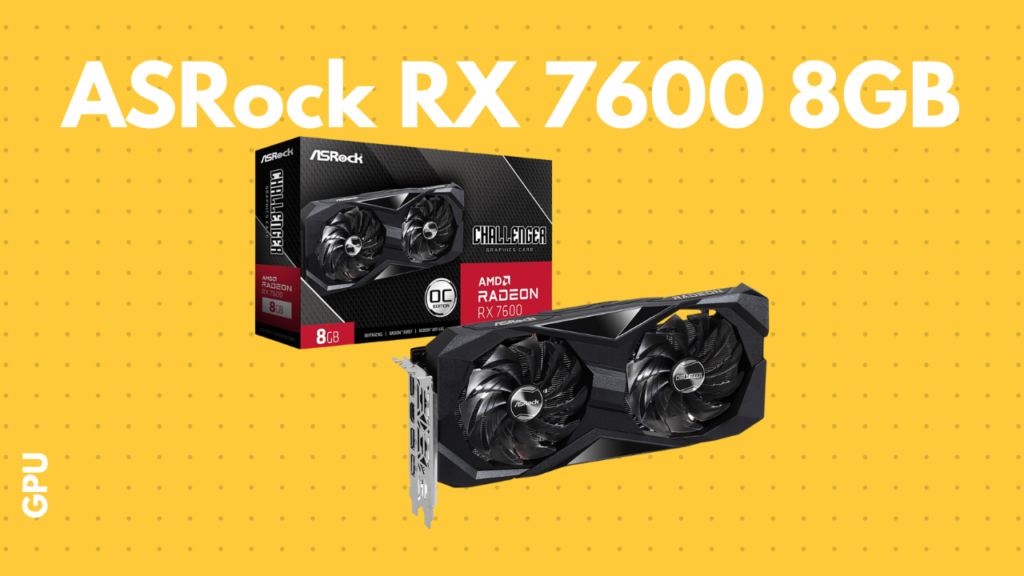
Priced around $360, this card is an absolute monster for 1080p gaming. It easily handles modern AAA titles and offers incredible price-to-performance value that is incredibly hard to beat right now. Plus, it features AV1 encoding support. If you plan on clipping your epic GTA 6 moments or streaming to your friends, the AV1 support means your background recording will be incredibly efficient without tanking your game’s performance.
The Processor: Smart Brains, Low Cost
Once the GPU takes a massive bite out of our budget, we need to get clever with the rest of our money. Enter the AMD Ryzen 5 5500.
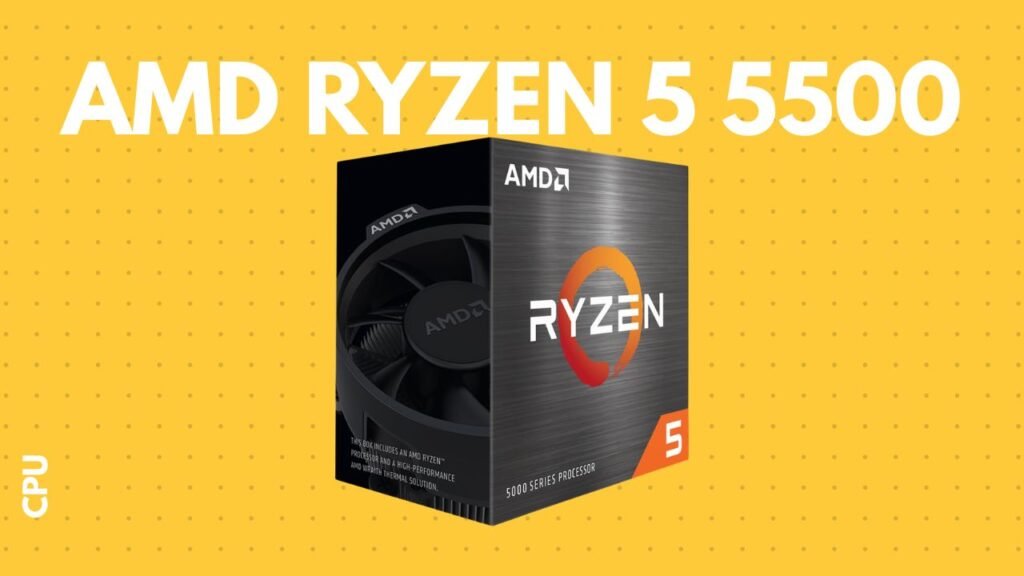
Coming in at roughly $100, this processor features 6 cores and 12 threads. It is more than capable of juggling Windows background tasks, Discord, and heavy gaming loads. Remember, at 1080p and higher settings, your games rely far more heavily on the GPU than the CPU.
Bonus Tip: The Ryzen 5 5500 comes with AMD’s Wraith Stealth stock cooler right in the box. That means you don’t need to spend extra cash on an aftermarket air cooler or liquid AIO. Just use the included cooler, save your money, and try not to make a mess of the pre-applied thermal paste!
The Motherboard: Basic But Brilliant
To seat our Ryzen processor, we’re using the Gigabyte A520M K V2.
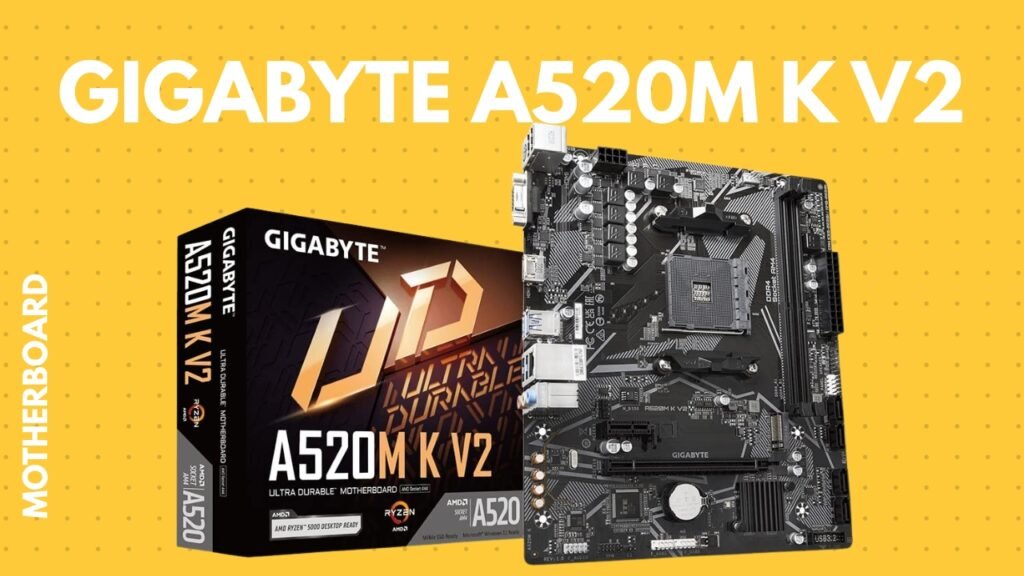
At roughly $60, this motherboard isn’t going to win any beauty contests, and it lacks the flashy RGB armor of high-end boards. But guess what? Flashy armor doesn’t increase your FPS. This board provides exactly what a reliable custom built PC needs: solid power delivery, an AM4 socket, and the essential slots for our RAM and storage. It is the perfect foundational piece for a strict budget.
Memory (RAM): Avoiding Daylight Robbery
We are equipping this build with 16GB (2x 8GB) of EVM DDR4 3200MHz RAM.
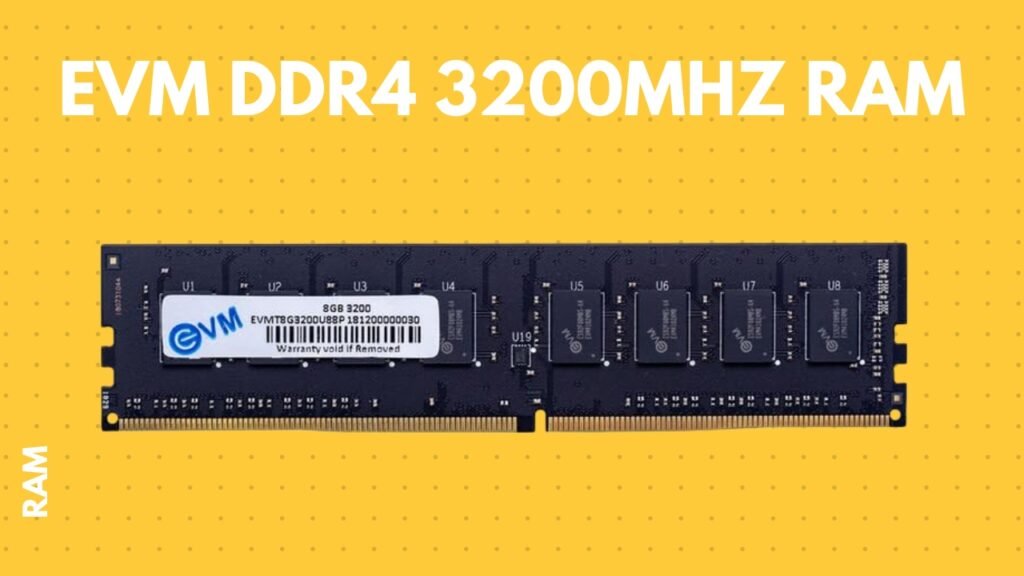
In the current market, paying around $110 for 16GB of DDR4 memory might feel a bit like daylight robbery, but 16GB is the absolute bare minimum you want for modern gaming—especially for a massive open-world game like GTA 6. Running two 8GB sticks in dual-channel mode ensures your CPU can access data as quickly as possible, preventing annoying micro-stutters when you’re driving through dense city streets at high speeds.
Storage: The Need for NVMe Speed
Let me be perfectly clear: under no circumstances should you install a modern AAA game on a mechanical Hard Drive (HDD).
We are opting for an EVM 512GB Gen3 NVMe SSD, which costs around $100. Stepping up from an old-school hard drive to an NVMe SSD is arguably the most noticeable quality-of-life upgrade you can put in a custom built PC.
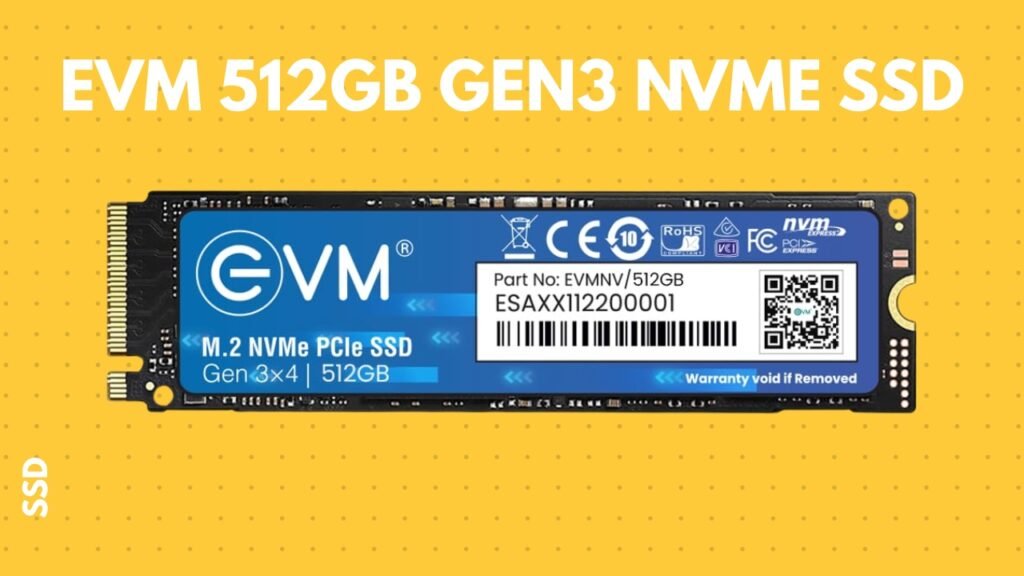
With read speeds hitting 3200 MB/s and write speeds around 2100 MB/s, your PC will boot in seconds, and massive game files will load incredibly fast. 512GB gives you enough space for Windows, your essential apps, and a massive game like GTA 6. (Though you might want to add a second drive later on if you are a digital hoarder!).
Power Supply: The Lifeline of Your Rig
If you ever want to see a grown tech enthusiast cry, watch someone fry their brand new $840 rig because they bought a no-name $15 power supply.
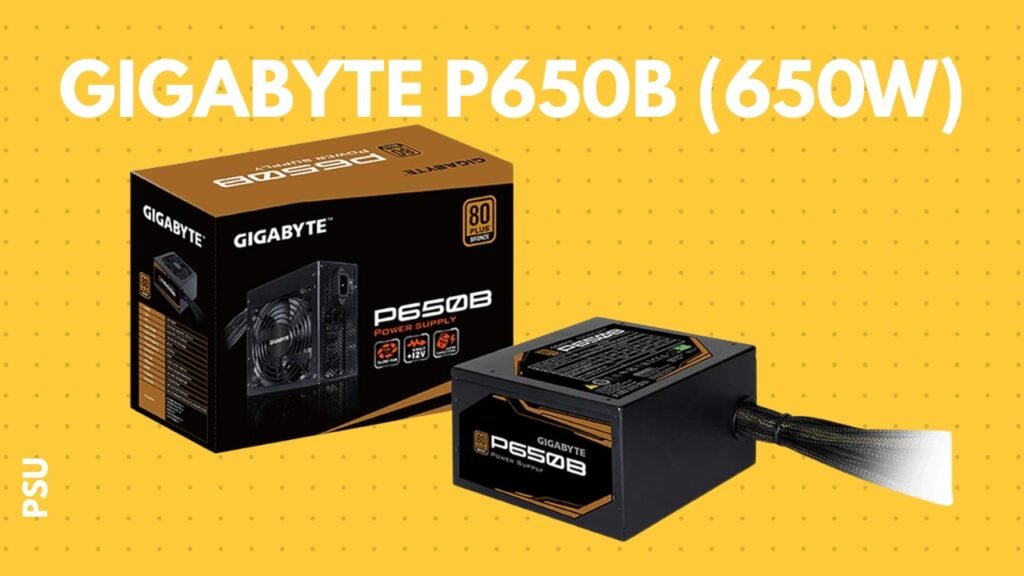
The PSU is the lifeline of your computer. We never cheap out here. For this build, a Gigabyte P650B (650W) power supply, coming in at about $50, is perfect. 650 watts gives our RX 7600 and Ryzen 5 5500 plenty of clean, stable power, with a comfortable buffer zone for safety.
The Case: Cool and Cost-Effective
Finally, we need a box to put all these shiny parts into. The Ant Esports Elite 1100 provides a fantastic blend of a strict budget price and excellent airflow.
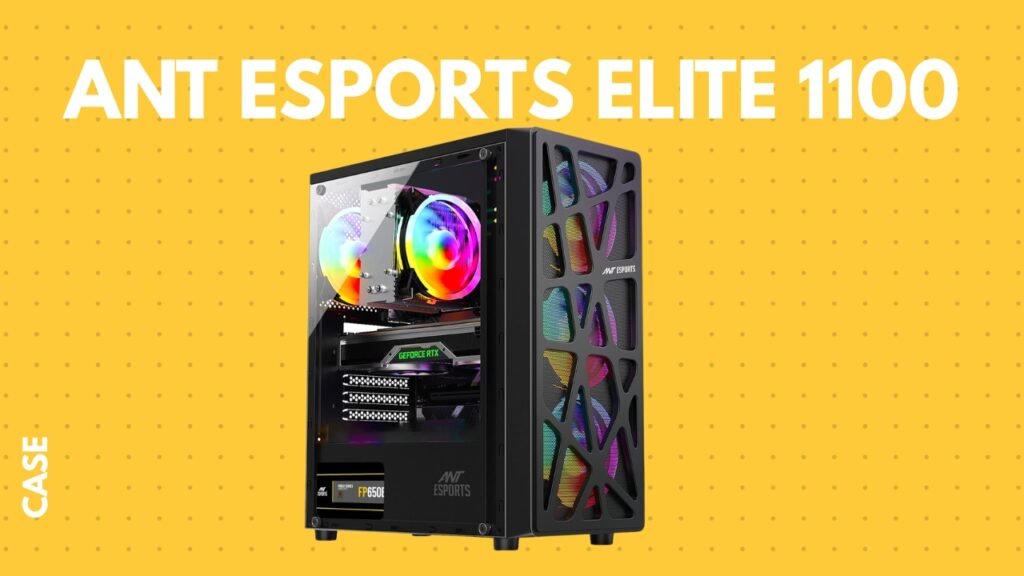
When building a PC, airflow is king. If your components suffocate in a sealed glass box, they will overheat and throttle their speeds, ruining your game performance. This case gives us the airflow we need while keeping the total price firmly in the budget territory.
There you have it. For approximately $840, you have a fully capable custom built PC that will not only tackle the games of today but is perfectly positioned to handle the sprawling, chaotic world of GTA 6 when it finally drops.
Key Takeaways
- Target PS5 Specs: Since GTA 6 PC specs aren’t out, matching current-gen console performance is the safest and smartest strategy.
- Prioritize the GPU: The ASRock RX 7600 is a 1080p powerhouse and the most important investment in this build.
- Save on Cooling: Using the Ryzen 5 5500’s included stock cooler saves you money that can be reallocated to faster storage or memory.
- Never Skimp on the PSU: A reliable 650W power supply protects your entire investment from electrical failure.
- NVMe is Mandatory: Avoid mechanical HDDs entirely; NVMe SSDs are required for the massive data streaming open-world games rely on.
Frequently Asked Questions (FAQs)
1. Will this custom built PC really run GTA 6? Yes. While official PC requirements aren’t released, this build matches or exceeds the core processing power of current-gen consoles, which are the target platforms for the game.
2. Why choose the RX 7600 over an NVIDIA card? At the $360 price point, the RX 7600 offers vastly superior raw rasterization performance and value compared to its direct NVIDIA counterparts.
3. Is a 650W power supply enough? Absolutely. The RX 7600 and Ryzen 5 5500 are very power-efficient. 650W leaves a healthy buffer for system spikes and minor future upgrades.
4. Do I need to buy a separate CPU cooler? No. The AMD Ryzen 5 5500 comes with an included Wraith Stealth cooler, which is perfectly adequate for gaming loads.
5. Is 16GB of RAM enough for modern gaming? 16GB is the current sweet spot for 1080p gaming. It handles background tasks and large game assets smoothly.
6. Why shouldn’t I use an HDD for storage? HDDs are too slow to stream the massive textures required by modern open-world games, leading to severe stuttering and texture pop-in.
7. How much does this whole build cost? Based on current pricing, the entire setup will cost approximately $840 USD.
8. Is the Gigabyte A520M K V2 a good motherboard? It is basic but highly reliable. It lacks advanced overclocking features but provides exactly what a budget gamer needs without wasted expense.
9. Can this PC handle video editing and streaming? Yes. The AV1 encoding on the RX 7600 makes it highly efficient for streaming, and the 6-core Ryzen CPU can handle light to medium video editing.
10. What resolution is this PC built for? This PC is optimized for high-refresh-rate 1080p gaming at high to ultra settings.
11. Is it hard to build a custom built PC? Not at all! It’s often compared to expensive LEGOs. With a good YouTube tutorial and a magnetic screwdriver, most beginners can build a PC in a few hours.
12. Does this motherboard have Wi-Fi? The Gigabyte A520M K V2 does not have built-in Wi-Fi. You will need to use a wired Ethernet connection or purchase a cheap USB/PCIe Wi-Fi adapter.
13. Why didn’t you choose an Intel processor? The Ryzen 5 5500 offers exceptional budget value, largely because the motherboards (AM4 socket) are currently very affordable compared to Intel platforms.
14. What if prices change before I buy? PC component prices fluctuate daily. Use this list as a blueprint, and look for equivalent parts (like an RX 6650 XT or i3-12100F) if the specific items jump in price.
15. Will I need to upgrade this PC in the next two years? For 1080p gaming, this PC will remain highly capable for several years. Your first upgrade down the line would likely be adding more storage.
16. Does this build include Windows? No, the $840 budget is for the hardware only. You can run Windows unactivated for free, or purchase an OEM key online for a small fee.
17. What happens if I drop a tiny screw in the case? Don’t panic! Unplug everything, gently tilt the case until it falls out, or use a magnetic screwdriver to fish it out. Never turn on the PC with a loose screw inside.
18. Why choose Gen3 NVMe instead of Gen4? Gen3 NVMe drives are significantly cheaper right now, and the real-world gaming load time difference between Gen3 and Gen4 is barely a fraction of a second.
19. Can I add RGB lights to this build? Yes! You can easily swap the case for one with RGB fans or add cheap LED strips later if you want more visual flair.
20. Is now a good time to build a custom PC? Yes. With the current stability in RAM and SSD prices, plus great budget GPU options like the RX 7600, it’s a fantastic time to build.