

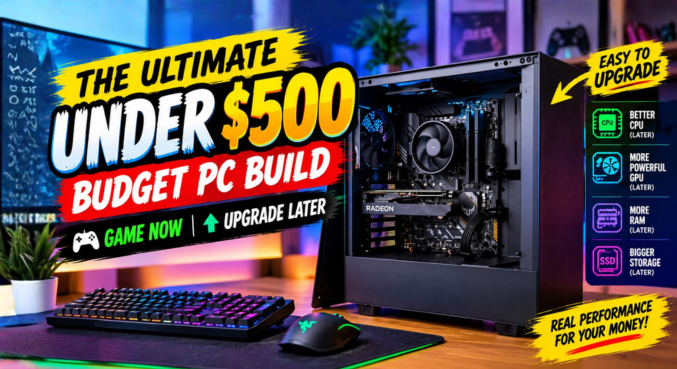
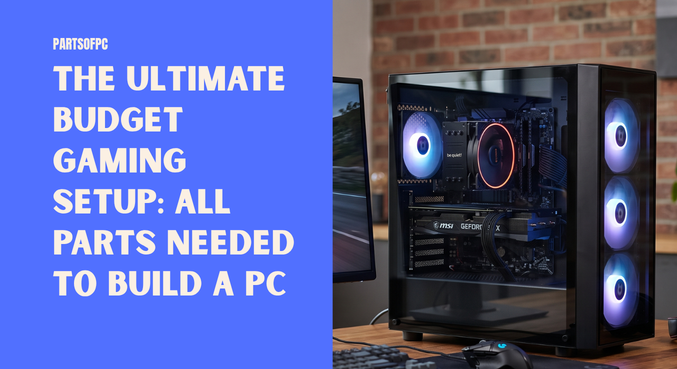

Building your first gaming computer doesn’t require draining your savings account. We put together a custom rig specifically tailored for popular, graphically demanding titles like Grand Theft Auto V and Forza Horizon. While pushing these games to their absolute limits requires high-end hardware, you can achieve a highly playable, enjoyable experience on a strict budget.
If you are new to the world of custom rigs and are trying to figure out exactly what components to buy, this guide covers all parts needed to build a pc that balances performance, aesthetics, and affordability.
Table of Contents
Key Takeaways
- Target Audience: Perfect for entry-level gamers and esports enthusiasts looking for a budget-friendly custom PC.
- Core Performance: Powered by the 6-core AMD Ryzen 5 5500, offering excellent multitasking capabilities for the price.
- Storage Speed: Utilizes a 500GB Gen4 NVMe SSD, significantly reducing game load times and system boot times.
- Estimated Budget: Realistically priced around $350 to $450 USD for the complete tower, offering a fantastic price-to-performance ratio.
The Processor: AMD Ryzen 5 5500
The brain of this budget build is the AMD Ryzen 5 5500. After being off the radar for a while, the 5500 series remains a stellar choice for entry-level gaming.
Featuring 6 cores and 12 threads, this processor is more than capable of handling modern gaming engines, background applications like Discord, and even light video editing. It provides enough headroom to ensure that your CPU will not bottleneck an entry-level graphics card, making it a reliable foundation for the entire system.
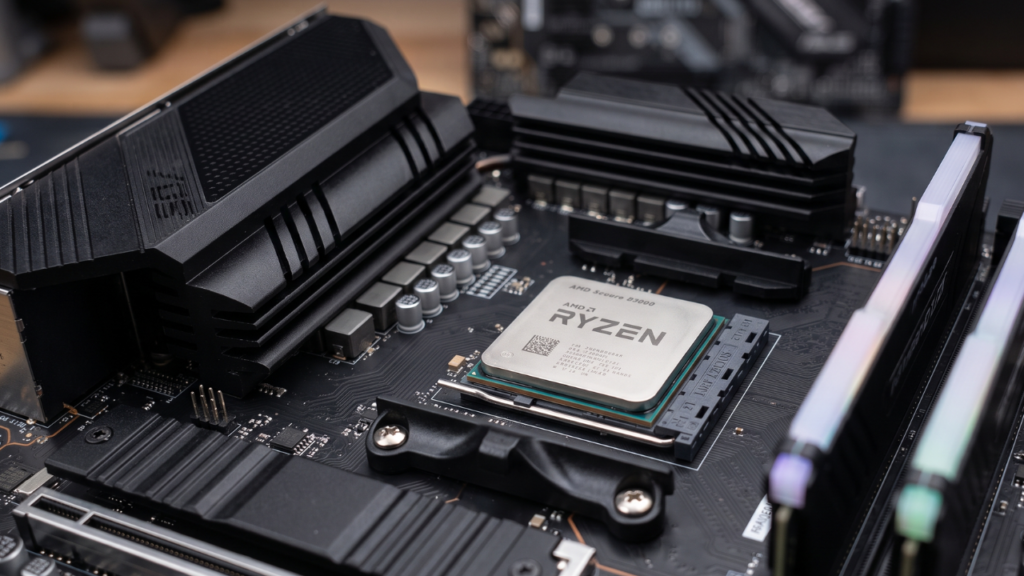
The Motherboard: B450 Series
To keep costs low without sacrificing essential functionality, this build utilizes a B450 series motherboard.
- RAM Slots: It features two dedicated RAM slots, which is standard for budget micro-ATX boards and plenty for a 16GB dual-channel configuration.
- Compatibility: While it is an older chipset, it perfectly supports Ryzen 5000 series processors (often requiring a simple BIOS update) and provides all the necessary I/O ports for standard gaming peripherals.
Memory and Storage: Speed Meets Capacity
For memory, we selected 16GB of T-Force Delta RAM running at 3200MHz. For a game like Forza Horizon, 16GB is the sweet spot. Fast 3200MHz memory is crucial for Ryzen processors, as AMD’s architecture heavily benefits from higher memory speeds to reduce latency.
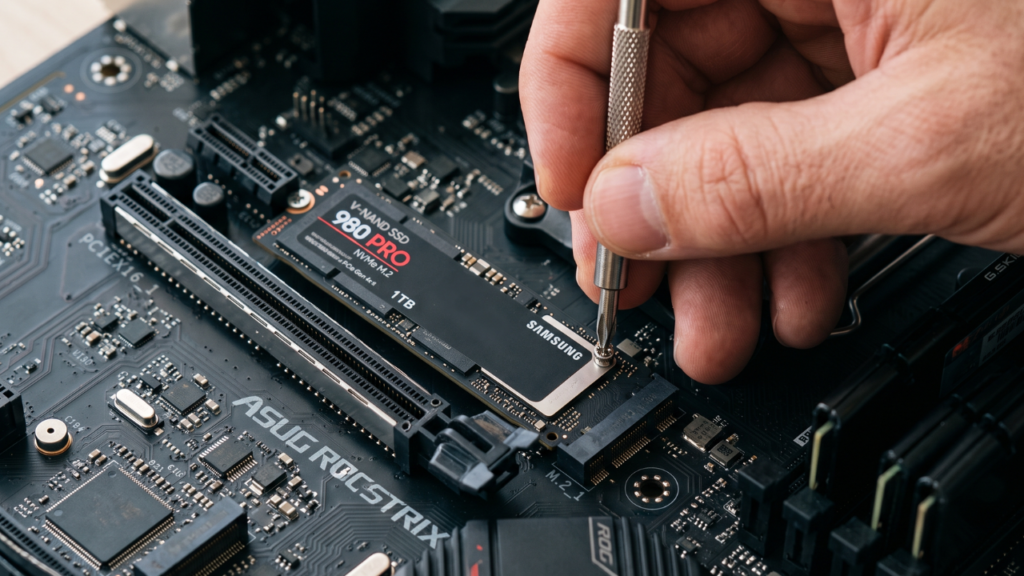
For storage, the build includes a 500GB Kingston Gen4 NVMe SSD.
Expert Tip: Even on a budget, never compromise by choosing a traditional spinning hard drive (HDD) as your primary boot drive. An NVMe SSD ensures your operating system loads in seconds and virtually eliminates texture-loading stutters in open-world games like GTA V.
Graphics: AMD Radeon RX 550 4GB
The visual heavy lifting is done by the AMD Radeon RX 550 (4GB).
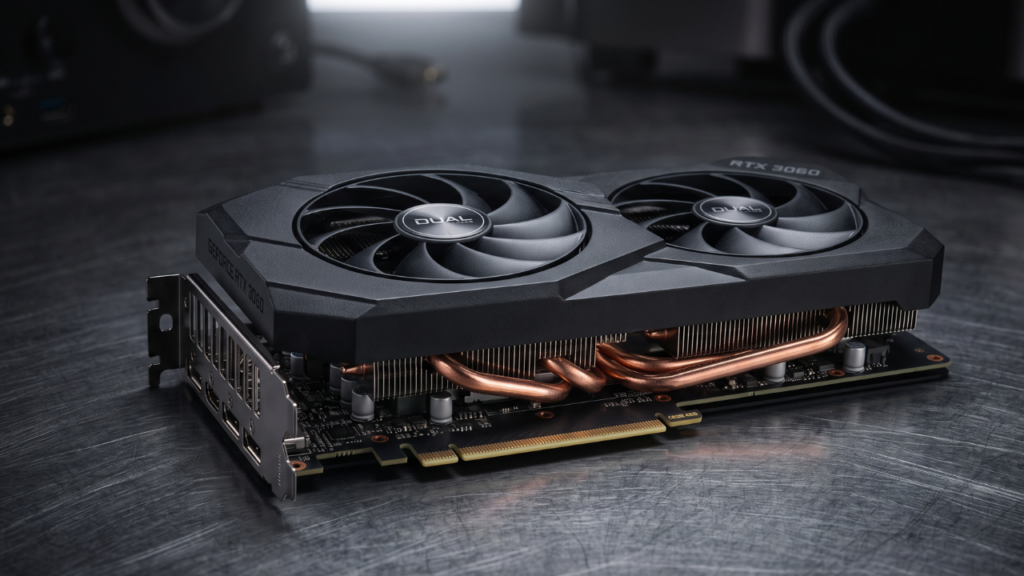
While it is an older, entry-level graphics card, the 4GB of VRAM allows it to render older AAA titles and modern esports games smoothly at 1080p on medium to low settings. to play GTA V and Forza Horizon, this GPU was selected to deliver playable framerates without inflating the budget. However, be aware that pushing ultra settings on newer titles will overwhelm this card quickly.
Power Supply and Case: Corsair & Ice Master
A system is only as reliable as its power delivery. We bypassed cheap, generic power supplies and opted for the Corsair CX550. This 550-watt power supply (SMPS) delivers stable, reliable power to all components and offers enough wattage overhead if you decide to upgrade the graphics card in the future.
Everything is housed inside an Ice Master Cabinet. This case provides incredible value by including four pre-installed RGB fans out of the box. This ensures excellent airflow to keep the Ryzen 5500 and RX 550 cool during extended gaming sessions, while also giving the PC that premium, colorful gaming aesthetic.
The True Cost of a Budget Build
In reality, compiling these specific components today will cost approximately $350 to $450 USD, depending on regional pricing and seasonal sales. At this price point, the system actually performs slightly above its weight class, providing a robust, reliable, and aesthetically pleasing entry into PC gaming.
Explore More Custom PC Builds
If your budget allows for more performance, or if you are looking to build a workstation-level gaming rig, check out our other comprehensive guides:
- The Mid-Range Sweet Spot: Build a $1500 Gaming PC in 2026: The Essential Guide
- High-Res Gaming: Build a Gaming PC: The Best 4K Value Setup for High FPS
- The Ultimate Enthusiast Rig: Ultimate $4500 Custom Built PC (RTX 5080 & Ryzen 9950X3D) Review
Frequently Asked Questions (FAQs)
1. Is the Ryzen 5 5500 good for gaming? Yes, the Ryzen 5 5500 with its 6 cores and 12 threads provides excellent performance for 1080p gaming and multitasking on a budget.
2. Can an RX 550 4GB run GTA V? Absolutely. The RX 550 4GB can comfortably run GTA V at 1080p on normal to high settings with very playable framerates.
3. Can this PC play Forza Horizon 5? Yes, but you will need to lower the graphics settings to low/medium at 1080p to maintain a smooth framerate, as Forza Horizon 5 is a visually demanding game.
4. Why choose a B450 motherboard instead of a B550? B450 motherboards are significantly cheaper while still offering excellent performance and compatibility for Ryzen 5000 series CPUs, making them ideal for ultra-budget builds.
5. Is 16GB of RAM enough for modern gaming? 16GB of RAM is currently the standard recommendation for gaming. It provides plenty of memory for the game, the operating system, and background apps.
6. Do I need an NVMe SSD, or is a SATA SSD okay? While a SATA SSD is fine, a Gen4 NVMe SSD like the Kingston used in this build is vastly faster and often costs roughly the same, making it the superior choice.
7. Is a 550W power supply enough for this build? Yes. A 550W PSU, especially a high-quality unit from Corsair, provides more than enough power for a Ryzen 5500 and an RX 550, with room for future mid-tier GPU upgrades.
8. Can I upgrade the graphics card later? Yes. The B450 motherboard and Corsair CX550 power supply allow you to easily swap out the RX 550 for a more powerful GPU like an RX 6600 or RTX 3050 later.
9. Why did you use an Ice Master case? The Ice Master case comes with four pre-installed RGB fans, which saves money since you do not have to buy case fans separately for cooling.
10. What resolution is this PC built for? This specific setup is designed strictly for 1080p (Full HD) gaming. It is not intended for 1440p or 4K gaming.
11. Does the B450 motherboard have built-in Wi-Fi? Most budget B450 motherboards do not include built-in Wi-Fi. You will likely need to use an Ethernet cable or purchase a separate USB Wi-Fi adapter.
12. Is the AMD stock cooler enough for the Ryzen 5500? Yes, the AMD Wraith Stealth cooler included in the box is perfectly adequate for cooling the Ryzen 5 5500 under normal gaming workloads.
13. Are two RAM slots enough? For a budget build, two RAM slots are plenty. Installing two 8GB sticks gives you 16GB in dual-channel mode, maximizing performance.
14. What operating system should I use? Windows 10 or Windows 11 (64-bit) are the best choices for gaming compatibility and driver support for AMD components.
15. Can I use this PC for video editing? Yes. The 6-core processor and 16GB of RAM make it capable of light to moderate 1080p video editing in software like Premiere Pro or DaVinci Resolve.