



Let’s be real for a second—shopping for a graphics card right now feels like trying to navigate a minefield blindfolded. You just want to play your favorite games at crisp framerates without emptying your bank account, but the market is absolutely flooded with confusing specs, software gimmicks, and inflated prices.
If you are currently hunting for a brand-new, in-stock graphics card with an official warranty, you are in the right place. We are stripping away the marketing fluff. Forget about leaning entirely on upscaling magic like DLSS or Frame Generation for a minute. Today, we are looking at pure, raw performance per dollar.
We calculated exactly how much actual native gaming performance you are getting for every single dollar you spend. Let’s dive into the top five contenders and finally crown the best budget GPU on the market right now.
Number 5 – Nvidia RTX 5060 8GB
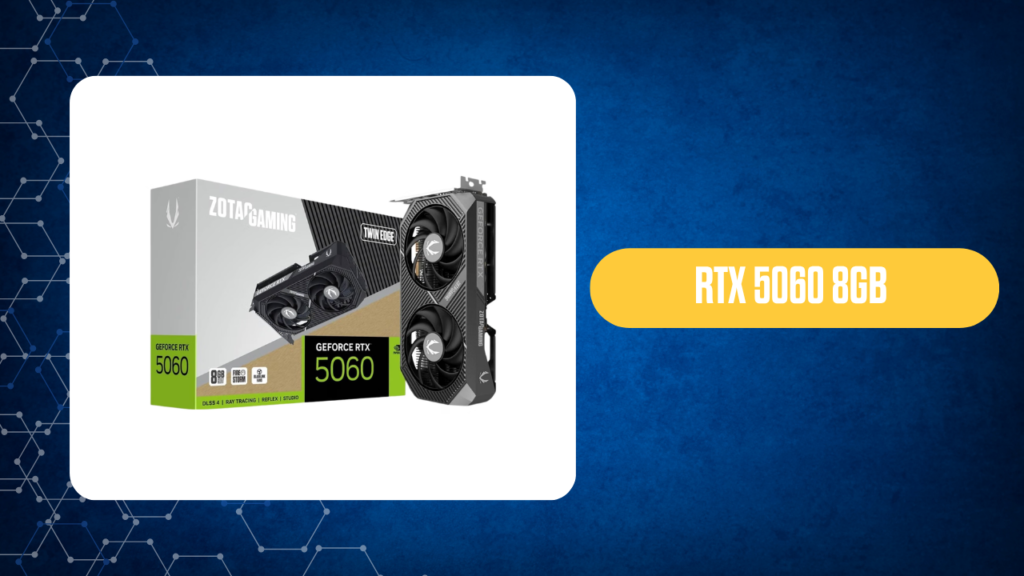
Coming in at number five is the Nvidia RTX 5060 8GB, sitting at around the $480 mark.
Let me be perfectly honest with you—when you give 1080p and 1440p performance equal weight, this card’s pure performance-per-dollar score falls below all the AMD cards on this list. From a raw hardware perspective, it’s just not the best budget GPU for native rendering.
Who is this actually for? You should only consider picking up the RTX 5060 if Nvidia’s software ecosystem is an absolute deal breaker for you. If you desperately need DLSS, rely heavily on Frame Generation to artificially boost your framerates, or can’t live without Nvidia Broadcast for streaming, then it makes sense. But if you care about native FPS, keep reading.
Number 4 – RX 9070 16GB
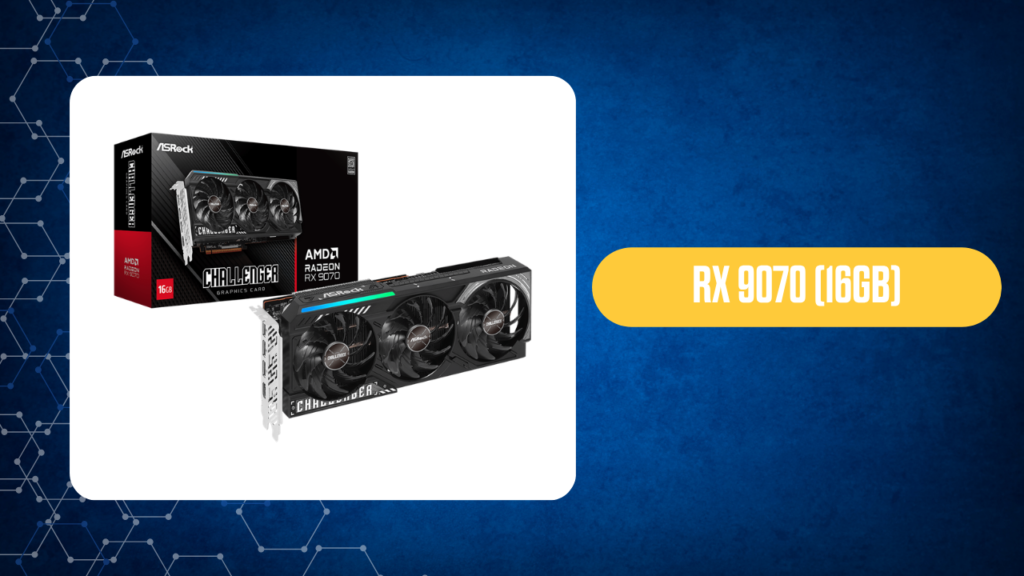
At number four, we have the hefty RX 9070 16GB, which will set you back roughly $765.
Is this the absolute king of performance per dollar? Not quite. At this specific price point, there are arguably better overall value options out there. However, it earns its spot on this list for one massive reason: VRAM.
Games are becoming incredibly memory-hungry. If you are building a system specifically for 1440p (2K) gaming and you want serious headroom so your textures don’t turn into a blurry mess, that 16GB of VRAM is a lifesaver. It is the most balanced step up if you want to future-proof your high-resolution gaming experience.
Number 3 – RX 9070 GRE 12GB
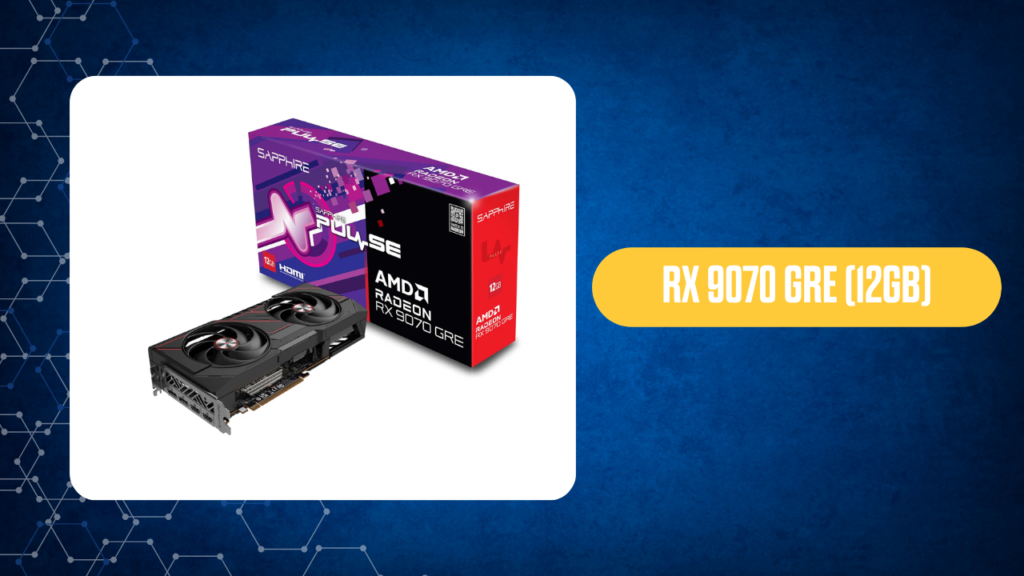
Taking the bronze medal is the RX 9070 GRE 12GB, priced nicely at around $640.
For the money, this is an incredibly well-placed graphics card. Yes, it only has 12GB of VRAM compared to its bigger 16GB sibling, but the value proposition here is fantastic.
If you are looking for the absolute best ray tracing value for 1080p gaming among all five cards on this list, the 9070 GRE takes the cake. It hits that sweet spot between striking visual fidelity and reasonable pricing.
Number 2 – RX 7600 8GB
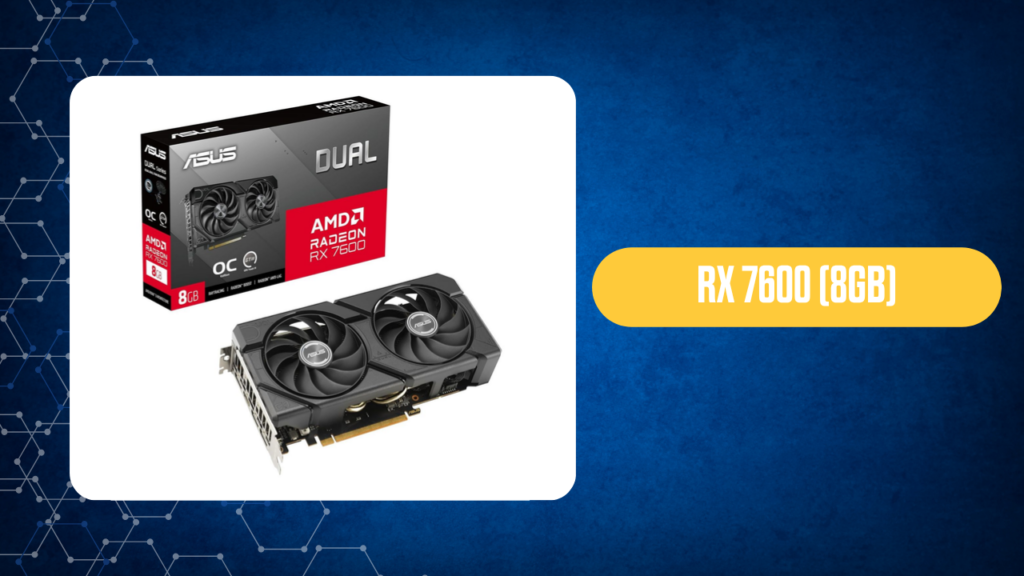
Ah, the RX 7600. It currently sits around $330, though it’s worth noting that it used to be an absolute steal at roughly $275.
Even with the price bump, this little powerhouse is the undisputed entry-level champion. If we are talking strictly about stretching every single dollar for standard gaming, this is historically the best budget GPU for those on a tight limit.
The Catch: Why isn’t it number one? The 8GB VRAM buffer and relatively weak ray tracing performance mean the RX 7600 just can’t escape the “entry-level” category. It will crush standard 1080p gaming, but the moment you try to push higher resolutions or heavy ray tracing, it starts gasping for air.
Number 1 – RX 7700 XT 12GB
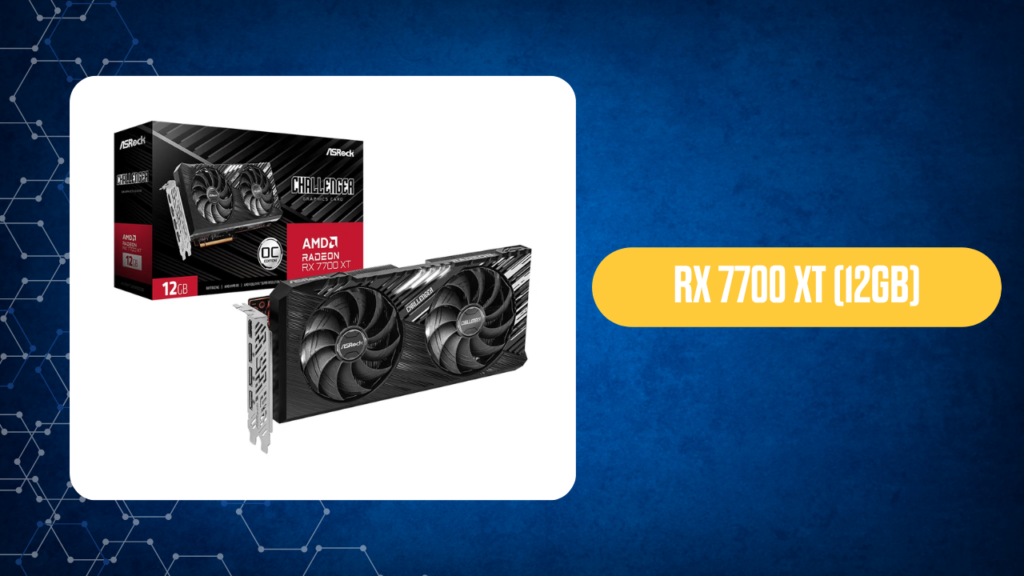
Here it is. The absolute winner. The reigning champion of performance per dollar is the AMD Radeon RX 7700 XT 12GB.
Let the math speak for itself: For around $480, you are getting a incredibly capable 12GB GPU. It costs only about 3% more than the RTX 5060. But what do you get for that tiny price difference?
- 15% more native performance at 1080p
- 20% more native performance at 1440p
It completely cannibalizes the competition at this price bracket. You are getting significantly more frames per second, a larger 12GB VRAM buffer, and far better native rendering performance for basically the exact same amount of money. If you want to maximize your investment without relying on software tricks, the RX 7700 XT is hands down the best budget GPU on the market right now.
Key Takeaways
- The Ultimate Winner: The RX 7700 XT 12GB provides the most native FPS per dollar, beating the RTX 5060 by up to 20% in 1440p for roughly the same price.
- VRAM Matters: If you plan to game at 1440p, aim for cards with 12GB to 16GB of VRAM (like the RX 9070 or 7700 XT) to avoid stuttering in modern titles.
- Nvidia’s Niche: The RTX 5060 is only worth the premium if you heavily rely on DLSS, Frame Generation, and Nvidia Broadcast. For raw rasterization, AMD currently dominates the value segment.
- Entry-Level King: The RX 7600 remains the champion for tight budgets, but its 8GB limit restricts it to strictly 1080p gaming.
Frequently Asked Questions (FAQs)
1. What makes a graphics card the “best budget GPU”? The best budget GPU is the one that delivers the highest raw frames per second (FPS) for the lowest price, while providing enough VRAM to handle modern games without stuttering.
2. Is the RX 7700 XT better than the RTX 5060? Yes, in terms of raw native performance. The RX 7700 XT delivers roughly 15% more FPS at 1080p and 20% more at 1440p for almost the exact same price as the RTX 5060.
3. Why didn’t you factor DLSS and Frame Generation into the main ranking? Upscaling technologies are great, but they are software features that artificially boost frames. To find true hardware value, we ranked these cards based on their actual, native rasterization performance.
4. Is 8GB of VRAM enough in 2026? For standard 1080p gaming on medium-to-high settings, 8GB is sufficient. However, for 1440p gaming or ultra settings, 8GB will cause severe stuttering in modern titles.
5. Should I buy the RX 7600 for 1440p gaming? No. The RX 7600 is a fantastic entry-level 1080p card, but its 8GB VRAM and narrower memory bus will hold you back at 1440p.
6. What is the difference between the RX 9070 and the RX 9070 GRE? The main difference lies in VRAM and price. The standard 9070 offers 16GB of VRAM for higher resolution headroom (~$765), while the GRE offers 12GB and acts as a fantastic ray tracing value option at ~$640.
7. Do I need ray tracing? Ray tracing provides highly realistic lighting and reflections, but it severely impacts performance. If you are on a budget, prioritizing raw FPS over ray tracing is usually the smarter move.
8. Is the RTX 5060 a bad card? Not necessarily. It’s a capable card with excellent software (DLSS 3, Broadcast), but it simply doesn’t offer the best raw hardware value compared to its AMD competitors at that price.
9. Can the RX 7700 XT handle streaming? Absolutely. While Nvidia historically held the crown for streaming encoders, modern AMD cards, including the 7700 XT, feature excellent AV1 encoding that handles streaming beautifully.
10. How much should I spend on a budget GPU? A good budget-to-mid range GPU currently falls between $300 and $500. This range hits the sweet spot for maximum 1080p and entry-level 1440p performance.
11. Will my old CPU bottleneck a new budget GPU? It depends on your CPU. If you pair a modern card like the RX 7700 XT with an processor that is 5+ years old, you likely won’t get the maximum FPS the GPU can produce.
12. Why do graphics card prices fluctuate so much? GPU prices are influenced by global supply chains, memory module costs, exchange rates, and crypto-mining trends.
13. Do these cards come with a warranty? Yes, our rankings are based solely on brand-new, in-stock graphics cards purchased from reputable retailers that include full official manufacturer warranties.
14. Should I buy a used GPU instead? Buying used can save you money, but it comes with risks like lack of warranty, potential mining wear, and no return policy. This guide focuses on the peace of mind that comes with new hardware.
15. What power supply do I need for the RX 7700 XT? A high-quality 650W to 750W power supply from a reputable brand is generally recommended to ensure stable power delivery for the RX 7700 XT.